

How to Fix "Maximum Update Depth Exceeded" in React
This error, and its cousin "Too many re-renders," means a component is stuck in an infinite render-then-setState loop. Here is why React does it, the four causes, and the fixes that break the cycle.
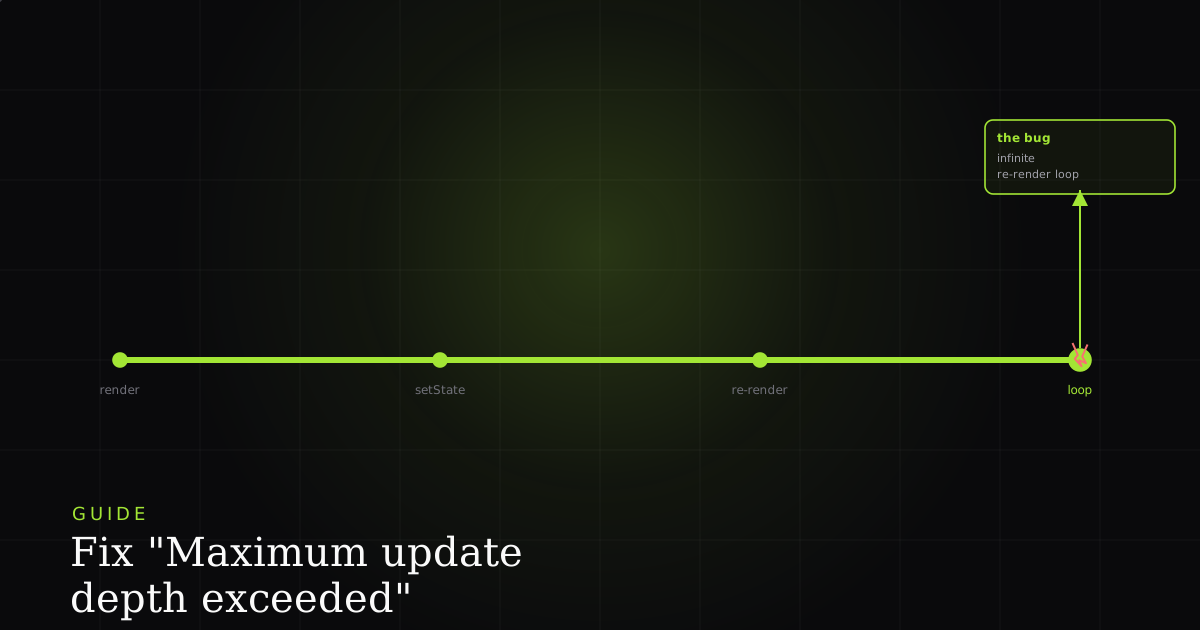
Maximum update depth exceeded (and its close cousin Too many re-renders. React limits the number of renders to prevent an infinite loop) is React catching you in the act of building a machine that never stops. Somewhere a render schedules a state update, that update triggers a render, and that render schedules the same update again. React counts these nested cycles, and when the count runs away it throws rather than letting the browser hang. This guide explains the render cycle just enough to make the cause obvious, then walks the four ways it happens and the fix for each.
How React's render cycle creates the loop
Maximum update depth exceeded is React aborting an infinite loop. A render scheduled a state update, that update caused a re-render, and the re-render scheduled the update again, with no condition that ever stops it. React caps nested update cycles to protect the browser, so it throws instead of freezing the tab.
React runs in two phases. In the render phase it calls your component function to calculate what the UI should look like, and this must be a pure calculation with no side effects. In the commit phase it applies those changes to the DOM. Calling a state setter schedules a new render of that component. Under normal use this is fine: an event handler calls setState, React re-renders once, and it settles. The loop appears when a state update is scheduled as part of rendering itself, because then every render schedules another render, and there is no interaction to end the chain. React keeps a counter of these back-to-back updates; cross its limit and you get the error instead of a frozen page.
Cause 1: calling setState in the render body
The most common form is subtle: passing onClick={handleClick()} instead of onClick={handleClick}. The parentheses invoke the function while the JSX is being built, so it runs on every render. If that handler sets state, each render sets state, which triggers a render. You meant to pass a reference; you called it.
// BROKEN: handleClick() runs during render, not on click
function Counter() {
  const [count, setCount] = useState(0);
  const handleClick = () => setCount(count + 1);

  // Invoked while building JSX -> setState on every render -> loop
  return <button onClick={handleClick()}>Count: {count}</button>;
}

// FIXED: pass the function reference; React calls it on click
function Counter() {
  const [count, setCount] = useState(0);
  const handleClick = () => setCount(count + 1);

  return <button onClick={handleClick}>Count: {count}</button>;
}

// FIXED (needs an argument): wrap in an arrow so it is called on click
// return <button onClick={() => handleClick(count)}>Count: {count}</button>;
The same shape appears when people set state directly in the function body: setCount(count + 1) written straight into the component, not inside a handler or effect. That is a side effect during render, which the render cycle forbids. If you need to derive a value, compute it during render; if you need to change state, do it in an event handler or an effect.
Cause 2: a useEffect that sets state it depends on
An effect that sets a piece of state and also lists that state in its dependency array will re-run every time the value changes, set it again, and re-run again forever. An effect with no dependency array is just as bad, because it runs after every render, so setting state inside it schedules the next render, which runs it again.
// BROKEN: effect sets `count` and also depends on `count`
function Timer() {
  const [count, setCount] = useState(0);

  useEffect(() => {
    setCount(count + 1); // change count...
  }, [count]);          // ...which re-runs this effect -> loop

  return <p>{count}</p>;
}

// FIXED: use a functional update and drop `count` from deps.
// Now the effect runs once and does not depend on the value it sets.
function Timer() {
  const [count, setCount] = useState(0);

  useEffect(() => {
    const id = setInterval(() => setCount(c => c + 1), 1000);
    return () => clearInterval(id);
  }, []); // empty deps: set up once, clean up on unmount

  return <p>{count}</p>;
}Cause 3: a new object or array every render
React compares dependencies by reference (Object.is), not by value. An object or array literal creates a brand-new reference on every render, so an effect that depends on it sees a "changed" value every time, even though the contents are identical. If that effect also sets state, you are back in the loop.
// BROKEN: `options` is a new object each render, so the effect
// always sees a changed dependency and re-runs -> setState -> loop
function Results({ query }) {
  const [items, setItems] = useState([]);
  const options = { query, limit: 20 }; // new reference every render

  useEffect(() => {
    search(options).then(setItems);
  }, [options]); // reference changes every render

  return <List items={items} />;
}

// FIXED: memoize the object so its reference is stable
// between renders unless `query` actually changes.
function Results({ query }) {
  const [items, setItems] = useState([]);
  const options = useMemo(() => ({ query, limit: 20 }), [query]);

  useEffect(() => {
    search(options).then(setItems);
  }, [options]); // now stable until `query` changes

  return <List items={items} />;
}
Often the simplest fix is to depend on the primitive instead of the object: list [query] directly rather than the wrapping options. Reach for useMemo when you genuinely need the object identity to stay stable, for example when it is passed to a memoized child or a third-party hook.
Cause 4: a parent passing a new function every render
The loop can straddle two components. A parent that defines an inline function or object and passes it as a prop hands the child a new reference on every render. If the child has an effect that depends on that prop and sets state, the child re-renders the parent (via a callback, context, or lifted state), the parent renders again, hands down another new reference, and the child's effect fires again.
// BROKEN: `onLoad` is a new function each parent render.
// The child's effect depends on it, so it re-fires every time.
function Parent() {
  const [count, setCount] = useState(0);
  return <Child onLoad={() => setCount(c => c + 1)} />;
}

function Child({ onLoad }) {
  useEffect(() => { onLoad(); }, [onLoad]); // new onLoad each render -> loop
  return null;
}

// FIXED: memoize the callback so its identity is stable.
function Parent() {
  const [count, setCount] = useState(0);
  const onLoad = useCallback(() => setCount(c => c + 1), []);
  return <Child onLoad={onLoad} />;
}

function Child({ onLoad }) {
  useEffect(() => { onLoad(); }, [onLoad]); // stable -> runs once
  return null;
}
Wrapping the callback in useCallback with the right dependencies keeps its identity stable, so the child's effect only runs when it should. When the child does not actually need the effect to depend on the callback, the cleaner fix is to remove it from the dependency array and call it once, but be honest about what the effect really needs, rather than silencing the linter.
The fixes, and when to reach for each
Every version of this error comes down to "something schedules a new update on every render." The fixes map cleanly onto the causes:
- Move the update out of render. State changes belong in event handlers or effects, never in the render body. Pass
onClick={handleClick}, notonClick={handleClick()}. - Correct the dependency array. An effect should not depend on the value it sets. Give it an accurate list, and never leave the array off when the effect sets state.
- Use functional updates.
setX(x => …)reads the previous value from the argument, so you can drop that value from the dependencies entirely. - Memoize unstable references.
useMemofor objects/arrays anduseCallbackfor functions keep identities stable so dependent effects and memoized children stop re-firing. - Guard the update. Wrap the
setStatein a condition (if (next !== value) setValue(next)) so it only runs when something genuinely changed and can't re-fire on identical data.
These same reference-stability and dependency rules underlie a whole family of React hook bugs. If the error you are chasing is about where hooks run rather than how often, see how to fix "Invalid hook call". And when a render loop is only one symptom of a deeper rendering problem, the broader workflow in React error tracking: catch, reproduce, and fix shows how to go from a production report to a reliable repro.
Seeing the loop that already shipped
The hardest version of this bug is the one that only fires for certain data or after a specific sequence of clicks: the interaction that seeds the runaway state never happens in your local run. A stack trace helps, but a render loop's trace is a wall of identical frames that tells you where the update fired, not what the user did to start it. (If you are still decoding that wall, how to read a JavaScript stack trace is the companion piece.)
This matters because render loops are timing bugs, and timing bugs are exactly the class of problem that a static snapshot can't explain. A missing property (see "Objects are not valid as a React child") shows up the same way every render; a loop only exists as a sequence over time. Capturing that sequence (the ordered state updates, the props that changed between them, the event that started it) turns "it sometimes freezes" into a specific, fixable chain you can point at a dependency array.
Install the free BugMojo extension and capture the exact session (replay, console, and network) when the loop fires, so you can scrub back to the click that seeded it instead of reading a wall of identical stack frames.
Install the free extensionFrequently asked questions
Frequently asked questions
Sources
- useState (React reference): the state hook, and why setting state triggers a re-render, React (2026)
- useEffect (React reference): dependency arrays and how to avoid effects that loop by re-setting their own dependencies, React (2026)
- Render and Commit (React): the render cycle, and the rule that rendering must be a pure calculation with no side effects, React (2026)
- Responding to Events (React): pass an event handler as a prop, do not call it while rendering, React (2026)
Get bug-tracking insights, weekly.
Engineering deep-dives, QA playbooks, and honest tool comparisons. No spam. Unsubscribe in one click.