

How to Fix the "Invalid Hook Call" Warning in React
"Invalid hook call. Hooks can only be called inside of the body of a function component." React's own docs pin it on three causes. Here is each one, why the rule exists, and the exact fix, including the duplicate-React trap that fools everyone.
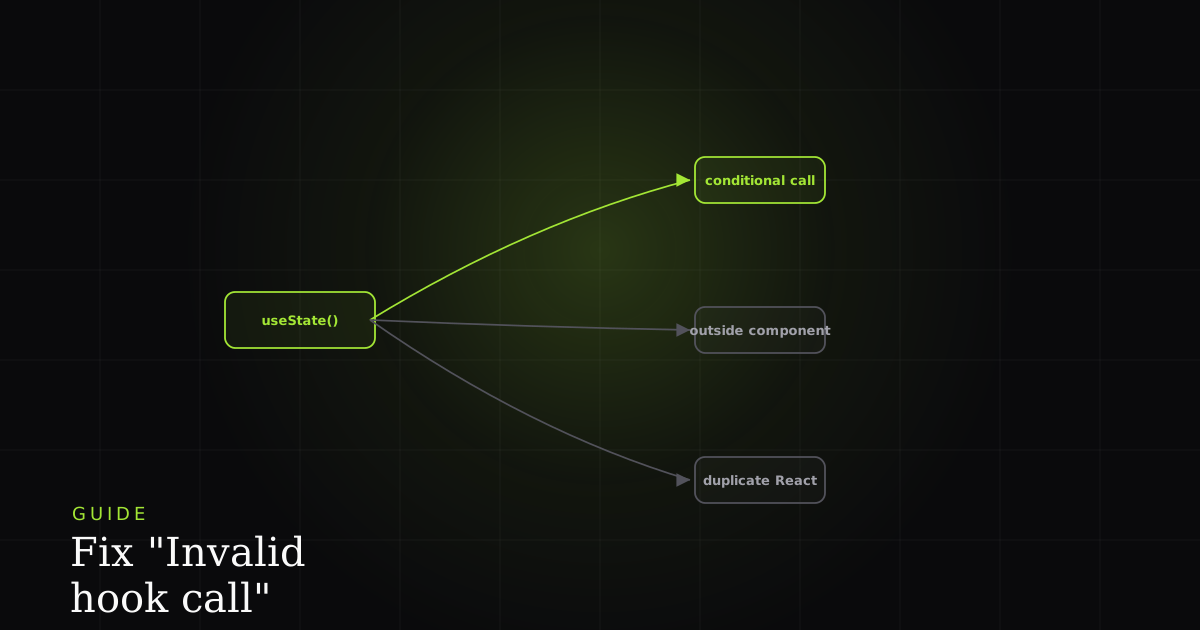
The Invalid hook call warning is unusually blunt about where it happened and unusually silent about why. It hands you a stack trace and a one-line rule (hooks can only be called inside of the body of a function component) and leaves you to work out which of several very different problems you actually have. The good news is that React's own documentation narrows the field to exactly three causes, and once you know which one you're looking at, each has a direct fix.
What the warning actually means
Invalid hook call means a React hook ran somewhere React cannot associate with a rendering component. React's docs give three causes: you broke the rules of hooks, your React and React DOM versions differ, or your app has more than one copy of React. The message names the location, never the cause, so that has to be diagnosed.
To understand every one of these causes, you have to understand one implementation detail: React does not know the names of your hooks. When a component renders, React walks its hooks in order and keeps an internal list (first useState, then useEffect, then the next useState), matching each call to a slot by position. On the next render it expects the exact same calls in the exact same order so it can hand back the right state. That single design choice is the reason all three causes exist.
Cause 1: Breaking the rules of hooks
The most common cause is calling a hook somewhere its call order isn't stable. Because React matches hooks to state by position, a hook that runs on one render but not the next throws the whole list out of alignment. That's why the rules of hooks forbid calling a hook inside a condition, a loop, a nested function, an event handler, a class component, or anywhere after an early return.
function Profile({ userId }) {
  // ❌ Hook called conditionally — skipped when userId is null
  if (userId) {
    const [user, setUser] = useState(null); // Invalid hook call
  }

  // ❌ Hook after an early return — not reached on every render
  if (!userId) return <Login />;
  const [session, setSession] = useState(null);

  // ❌ Hook inside an event handler — not a render
  function handleClick() {
    const theme = useContext(ThemeContext);
  }
}function Profile({ userId }) {
// ✅ Call every hook unconditionally, at the top level
const [user, setUser] = useState(null);
const [session, setSession] = useState(null);
const theme = useContext(ThemeContext);
// Put the *condition* inside the hook or after it, not around it
useEffect(() => {
if (userId) fetchUser(userId).then(setUser);
}, [userId]);
if (!userId) return <Login />; // early return is fine AFTER the hooks
return <Dashboard user={user} theme={theme} />;
}The fix is always the same shape: move the hook to the top level so it runs on every render, and push the branching inside the hook (or after all hooks have been called). The same applies to loops. If you need a hook per item, you don't; lift the data into one hook and map over it, or split each item into its own child component that calls the hook once. The second half of the rule matters too: hooks may only be called from React function components or from other custom hooks (functions named useSomething), never from plain utility functions or class components.
Cause 2: Mismatched versions of React and React DOM
Hooks were introduced in React 16.8, and the hook machinery is split across two packages: react exposes the hook functions, while react-dom (or React Native, or another renderer) supplies the runtime that actually stores hook state. If those two packages are on incompatible versions (say react@18 paired with an older react-dom), the renderer may not implement the hook contract the way react expects, and you get an invalid hook call. Check both:
# Print the installed version of each package
npm ls react react-dom

# Example of the bad case — versions don't match
# ├── react@18.3.1
# └── react-dom@18.2.0   <- update this

# Fix: install matching versions and reinstall
npm install react@latest react-dom@latest
Keep react and react-dom pinned to the same major and minor version. If you use a meta-framework like Next.js, let the framework dictate the React version rather than upgrading one package in isolation. A partial bump is the usual way this mismatch sneaks in.
Cause 3: Duplicate copies of React (the confusing one)
This is the single most common (and most disorienting) cause, because your code can follow every rule and still throw. Hooks read state from a shared internal object (the dispatcher) that lives on the react module. There must be exactly one react in memory for that to work. When a bundler resolves two copies, commonly because a locally linked package (npm link) or a library brings its own react in its node_modules, a component rendered by copy A calls a hook that looks for the dispatcher on copy B, finds nothing, and React reports it as a hook called outside a component.
Start by confirming the duplicate. From your project root:
# List every React in the tree — more than one path means duplicates
npm ls react

# Bad output: two Reacts resolved from different places
# my-app@1.0.0
# ├── react@18.3.1
# └─┬ some-ui-library@2.1.0
#   └── react@18.2.0   <- a second copy, deduped away below

# pnpm and yarn have their own inspectors
pnpm why react
yarn why react# Collapse compatible duplicates up to a single copy
npm dedupe
# Still two versions? Force one with an override in package.json
# "overrides": { "react": "18.3.1", "react-dom": "18.3.1" }
# Then reinstall from a clean slate
rm -rf node_modules package-lock.json
npm install
npm ls react # should now print exactly one ReactIf you're the author of a library, don't ship React as a regular dependency at all. Declare it as a peerDependency (and a devDependency for local builds) so consumers supply the single copy from their own app:
{
  "peerDependencies": {
    "react": ">=18",
    "react-dom": ">=18"
  },
  "devDependencies": {
    "react": "18.3.1",
    "react-dom": "18.3.1"
  }
}
When the duplicate comes from npm link during local development, point the linked package's React back at the host app, either with a bundler alias (webpack resolve.alias / Vite resolve.dedupe: ['react', 'react-dom']) or by linking the host's react into the library. The goal is always the same: exactly one react and one react-dom resolved across the entire runtime.
When it only breaks in one environment
The version-mismatch and duplicate-React causes share a nasty property: they're often invisible on your machine and only surface in a specific build. A duplicate can appear after a CI install resolves the dependency tree differently, after a teammate links a package, or only in the production bundle where a different React version got hoisted. You stare at code that's provably correct, because the bug isn't in the code, it's in the environment the code was assembled in.
This is also why the warning pairs so well with a systematic approach to React errors in general. If you want the broader workflow (reproducing an error, isolating the cause, and confirming the fix), see catch, reproduce, and fix React errors. For its close cousins, the render-loop crash lives in Maximum update depth exceeded, and the module-resolution failure that a broken link or dedupe can also trigger is covered in Cannot find module.
The three-question checklist
Every invalid hook call resolves to one of three answers, so work them in order:
- Rules of hooks: Is every hook called unconditionally, at the top level, from a component or a
useSomethingfunction? Move any hook out of conditions, loops, handlers, classes, and post-return code. Leteslint-plugin-react-hooksenforce it. - Version match: Do
reactandreact-domreport the same version undernpm ls? Align them to the same major and minor. - Single copy: Does
npm ls reactprint exactly one React? If not,npm dedupe, add overrides, fix your library'speerDependencies, or alias the linked package back to the host's React.
Install the free BugMojo extension and capture the session (console, network, and the environment around the error) so an environment-specific duplicate-React or version mismatch shows itself instead of hiding in a tree you can't reproduce locally.
Install the free extensionFrequently asked questions
Frequently asked questions
Sources
- Rules of Hooks (React reference): only call hooks at the top level of a component or custom hook, React (2026)
- Invalid Hook Call Warning: the three official causes (broken rules, version mismatch, and duplicate React), React (2026)
- useState (React reference): a hook that must be called at the top level of a component, React (2026)
- npm dedupe: reduce duplication by moving shared dependencies (like React) up the tree, npm Docs (2026)
Get bug-tracking insights, weekly.
Engineering deep-dives, QA playbooks, and honest tool comparisons. No spam. Unsubscribe in one click.