

What Is a Source Map? How They Turn Minified Errors Back Into Code
A source map is the JSON file that turns an unreadable minified stack trace back into your real files, lines, and function names. Here is the format, why you must not ship maps publicly, and how the original frame reaches your AI agent.
Definition
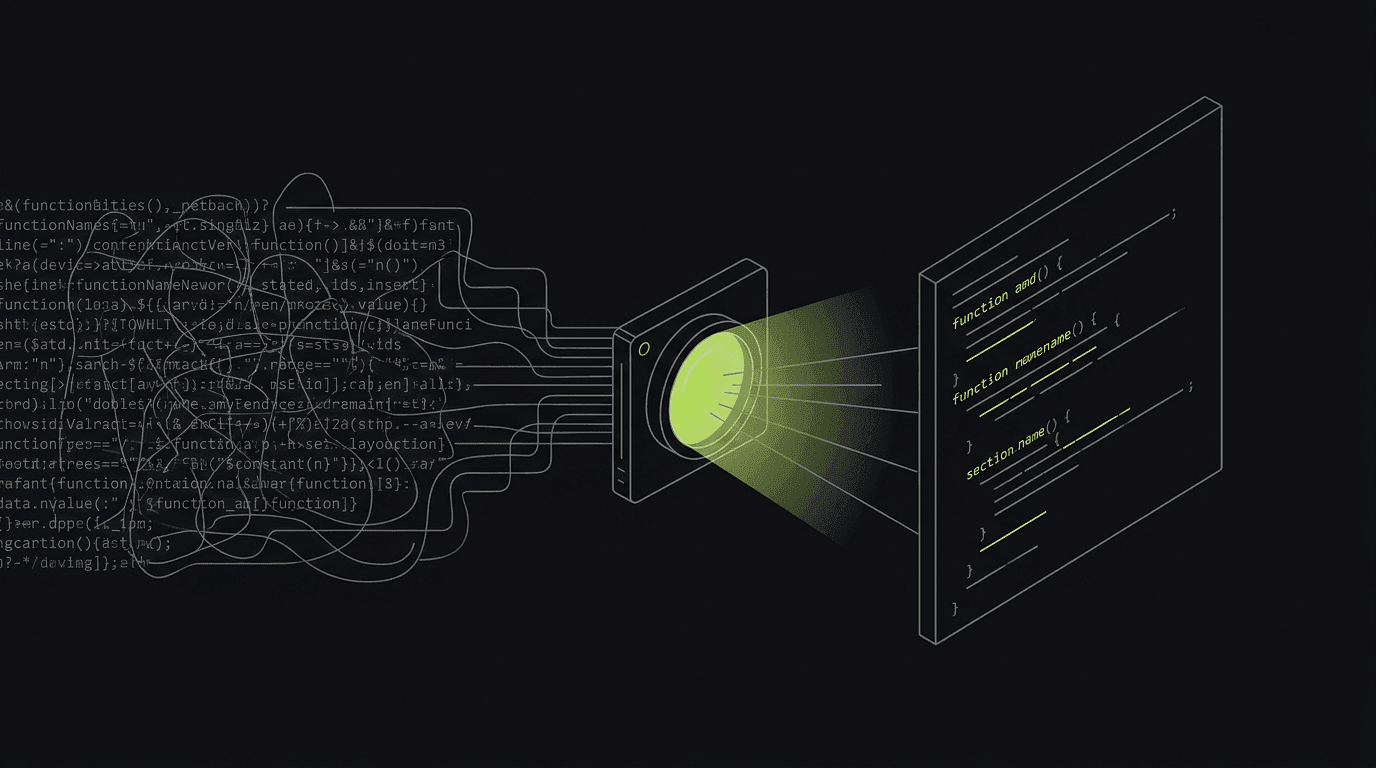
A source map is a JSON file that maps minified code back to its original source, recovering the real file, line, column, and names. Browsers locate it via a SourceMap HTTP header or a sourceMappingURL comment. The map is never executed; it exists only to make compiled code legible during debugging.
You ship a .js bundle, but you wrote dozens of .tsx and .ts files. A source map is the lookup table that connects the two. The MDN glossary defines it as “a JSON file format that maps between minified or transformed code received by the browser and its original unmodified form,” and notes that browsers find it two ways: a SourceMap HTTP response header, or a //# sourceMappingURL annotation comment at the bottom of the generated file. The map itself is never run. It is metadata that a debugger, an error monitor, or a capture tool reads on demand.
Why a minified stack trace is useless without one
Minification exists for speed: a bundler strips whitespace and comments, renames handleCheckoutSubmit to h, and collapses your whole app onto a handful of very long lines. The browser is happy. Your error reporting is not. When something throws in production, the stack trace points at main.4f3a.js:1:88621: line 1, column 88621, of a file no human ever wrote. You learn that something failed, but not which component, which function, or which of your original lines. The trace has a location in the wrong coordinate system.
A source map fixes exactly that. It converts the generated line:column back into the original file, line, column, and symbol name, so the same failure now reads as Checkout.tsx:88 inside handleCheckoutSubmit. This is not a cosmetic nicety. If you read the companion glossary entry on stack traces, the whole skill of debugging is finding the first frame in your code, and you cannot do that when every frame is a mangled one-character name on line 1. The source map is what makes a minified trace human-readable again.

How the mapping actually works
Open a .map file and most of it is a single dense field called mappings. It is encoded as Base64 VLQ (variable-length quantity). According to Polar Signals' teardown of the format, each comma-separated segment holds up to five fields: the generated column, the source-file index, the original line, the original column, and an optional name index. The clever part is that these are stored as relative deltas from the previous segment, not absolute positions. That is why a tiny token like O can encode the number 7 instead of spelling out a full offset such as column 27698. The deltas keep the map small even for a huge bundle.
This format used to be an informal community convention known as “Source Map v3.” As of 2026 it is a real standard. ECMA-426 was published as a 1st-edition Draft on 27 May 2026 by TC39-TG4, formalizing the spec across JavaScript, CSS, and WebAssembly, with the version field still hard-coded to 3 for compatibility. The practical takeaway: a decoder finds the segment that covers the failing generated column, follows its deltas to an absolute original position, and rebuilds the readable frame (file, line, column, and symbol). A plain-language walkthrough of sourcemaps covers the same flow if you want the gentler version.
Do not ship public source maps
Here is the part teams get wrong. Because a source map reconstructs your original, commented source, serving it on the public web hands attackers a copy of your codebase. This is not theoretical. Sentry's security team documented a case where an ethical hacker fetched publicly reachable .map files, reconstructed the minified JavaScript, and recovered hardcoded Stripe secret keys that “permitted unauthorized payments.” The map did not create the secret-in-source mistake, but it made the secret trivially harvestable from the outside.
Generating maps in your build
You almost never write a source map by hand. Your bundler emits one when you ask. The knob is the same idea across tools: turn maps on, and choose whether the browser can find them. For production the safe combination is “generate the file, but hide the pointer,” so the map exists for your tooling to upload privately while no //# sourceMappingURL comment ships to users.
export default {
  build: {
    // true  -> emits .map AND appends the sourceMappingURL comment (avoid in prod)
    // 'hidden' -> emits .map but DROPS the comment, so it is not publicly discoverable
    sourcemap: 'hidden',
  },
};

// webpack equivalent: devtool: 'hidden-source-map'
// tsc:               "sourceMap": true in tsconfig compilerOptions
// esbuild:           --sourcemap=external
After the build, upload the emitted .map files to whatever resolves your frames (an error monitor, or BugMojo) as a private artifact, then make sure the raw files are not reachable on your CDN. Most teams add a single edge rule that returns 404 for any *.map request. You keep readable stack traces internally; an outsider hitting your bundle gets nothing to reconstruct.
How this shows up in a real BugMojo bug report
Most articles stop at “upload your map to an error monitor.” BugMojo does something different: it applies the source map at capture time. When the browser extension records a console error during a session, it resolves the minified frame into the original file, line, and symbol right there in the captured report. So instead of an analyst later opening a dashboard to de-minify a trace, the de-minified frame (Checkout.tsx:88, handleCheckoutSubmit) is already attached to the bug, next to everything else that was happening when it threw.
That “everything else” is the point. The resolved frame ships alongside an rrweb session replay, the full console output, and the network requests that produced the bad state. Then the BugMojo MCP server hands the whole bundle to an AI agent like Claude Code or Cursor. The agent does not read a mangled column offset and guess; it reads the original frame plus the replay and the failing POST /api/cart response that fed it. That matters because, in the 2025 Stack Overflow Developer Survey, 66% of developers named dealing with AI solutions that are “almost right, but not quite” their single biggest frustration, and 45% said debugging AI-generated code is more time-consuming. A de-minified frame with state behind it is what keeps an agent from guessing.
| Feature | Capability | BugMojo | Prod error monitor (Sentry/BugSnag) |
|---|---|---|---|
| De-minifies the frame using your source map | No | At capture time | On the server, on demand |
| Keeps the .map private (not public) | No | Yes, uploaded privately | Yes, uploaded privately |
| rrweb replay + console + network with the frame | No | Yes | Breadcrumbs only |
| Resolved frame handed to an AI agent over MCP | No | Yes, the wedge | No |
| Aggregate uncaught exceptions across a fleet | No | No | Yes |
| Long-term production error volume + alerting | No | No | Yes |
BugMojo de-minifies the failing frame at capture time and ships it with an rrweb replay, console, and network bundle to Claude Code or Cursor over MCP: readable code in, faster fix out.
Install the extensionFrequently asked questions
Frequently asked questions
Sources
- Source map: MDN Web Docs Glossary (SourceMap header + //# sourceMappingURL detection), MDN / Mozilla (2026)
- ECMA-426 Source map format specification: 1st edition Draft, TC39-TG4, Ecma International / TC39 (2026-05-27)
- The Inner Workings of JavaScript Source Maps: Base64 VLQ mappings and relative deltas, Polar Signals (2025-11-04)
- Abusing Exposed Sourcemaps: Stripe secret keys reconstructed from production .map files, Sentry (Security blog) (2025-01-31)
- JavaScript sourcemaps explained, Dimitrios Filippou (2025)
- AI: 2025 Stack Overflow Developer Survey ('almost right, but not quite' top frustration, 66%; debugging AI code 45%), Stack Overflow (2025)
Get bug-tracking insights, weekly.
Engineering deep-dives, QA playbooks, and honest tool comparisons. No spam. Unsubscribe in one click.