

How to Integrate BugMojo with Claude Code
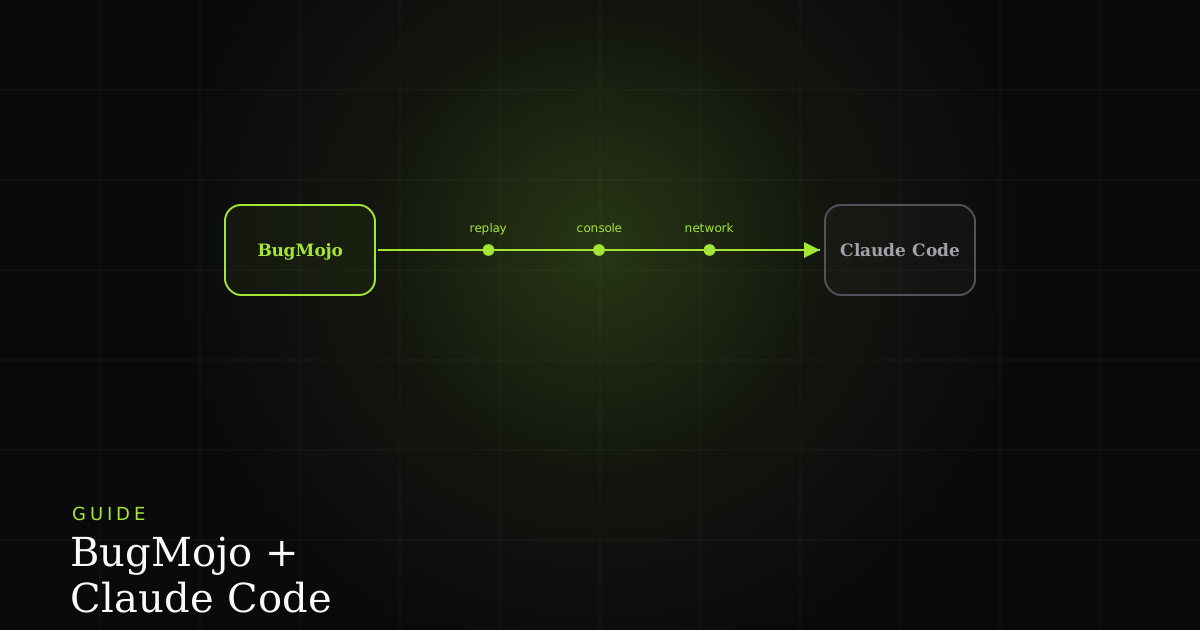
BugMojo ships a Model Context Protocol server. Add it to Claude Code and your agent pulls a bug's replay, console, and network context, then reproduces and fixes the bug in your repo, without you copying a single stack trace.
What this integration does
BugMojo ships a Model Context Protocol (MCP) server. Register it with Claude Code and your agent can list bugs, open one report, and read its reproduction context (console errors, failed network calls, and steps), then reproduce and fix the bug in your repository, all from the terminal.
Fixing a bug from a tracker usually means a lot of manual shuttling: you read the report, open the session replay in another tab, copy the failing request out of the network panel, paste a stack trace into your editor, and only then start writing code. The BugMojo + Claude Code integration collapses that loop. Claude Code connects to external tools and data through the Model Context Protocol, which its own documentation calls "an open source standard for AI-tool integrations." BugMojo exposes your bug data as one of those tools, so the agent reads the reproduction directly instead of working from whatever you happened to paste.
Concretely: a teammate captures a bug with the BugMojo browser extension, which records the DOM session with rrweb along with console logs, network requests, and a screenshot. In Claude Code you then say "pull BugMojo bug BM-412 and reproduce it." The agent fetches the structured context over MCP, forms a hypothesis about the root cause, writes a failing test or reproduction, and proposes the patch, in the same session, in the same repo.
How MCP makes this work
It helps to know what is actually being connected. The Model Context Protocol is an open, JSON-RPC-based standard with a client-server design: the host application (Claude Code) runs an MCP client that manages a connection to each MCP server. A server exposes three kinds of primitive: tools (executable functions the model can invoke to perform actions), resources (read-only data sources, akin to GET endpoints, that supply context), and prompts (reusable templates). BugMojo's server maps its bug data onto exactly these primitives: a tool to list or fetch bugs, resources for a bug's replay-derived context, and, where the API allows, tools to comment or move status.
Two consequences fall out of this design. First, the integration is portable: because MCP is an open standard, the identical BugMojo server also runs in Cursor, Windsurf, or any other MCP-compatible client, so you configure it once and reuse it everywhere. Second, it is discoverable: Claude Code learns the available tools at connect time and even supports list_changed notifications, so a server can update its tools without you reconnecting.
Before you start
You'll need:
- Claude Code installed and signed in (any Pro, Max, Team, or Enterprise login works).
- A BugMojo account with at least one captured bug to test against. Install the extension and file a throwaway bug if you don't have one yet.
- A BugMojo API key scoped to read bug data. Treat it like any secret: it goes in an environment variable, never in a committed file.
- Node.js, so
npxcan launch the stdio server on demand. - About 10 minutes.
Step-by-step setup
Step 1: Generate a BugMojo API key
In BugMojo, go to Settings → API Keys → Create key. Name it something identifiable like claude-code-{your-username} and grant it read access to bugs (plus comment/status write access only if you want the agent to update bugs). Copy the key (it is shown once) and export it in your shell rather than pasting it into any file:
export BUGMOJO_API_KEY=bm_key_xxxxxxxxxxxxxxxxStep 2: Add the BugMojo MCP server
The fastest path is a single command. BugMojo runs as a local stdio server that Claude Code launches with npx. Per the Claude Code MCP reference, the double dash (--) separates Claude's own flags from the command that starts the server, and --scope project writes the entry to a shareable .mcp.json in your repo root:
claude mcp add \
  --env BUGMOJO_API_KEY=$BUGMOJO_API_KEY \
  --env BUGMOJO_API_URL=https://www.bugmojo.com \
  --scope project \
  bugmojo -- npx -y @bugmojo/mcp-server
Prefer to edit config by hand, or want the whole team to inherit the server from version control? Add an equivalent entry to .mcp.json at your project root. Claude Code supports environment-variable expansion here (${VAR} and ${VAR:-default}), so you can share the file without committing the secret:
{
  "mcpServers": {
    "bugmojo": {
      "command": "npx",
      "args": ["-y", "@bugmojo/mcp-server"],
      "env": {
        "BUGMOJO_API_KEY": "${BUGMOJO_API_KEY}",
        "BUGMOJO_API_URL": "https://www.bugmojo.com"
      }
    }
  }
}Step 3: Confirm and approve the server
List your servers to confirm registration, or open the live panel from inside a session:
claude mcp list          # all configured servers
claude mcp get bugmojo   # details for one server
# ...or, inside a Claude Code session:
/mcpA worked example: from filed bug to proposed fix
Here's the end-to-end loop the integration is built for.
- A bug is filed. A QA engineer hits a crash on checkout, clicks the BugMojo extension, and captures it. The extension records the rrweb DOM session (which, per rrweb, is an initial snapshot plus incremental mutations of every DOM change, click, and input) alongside the console error and the failing network call. PII is redacted in the browser before any of it is uploaded.
- You point Claude at it. In your repo you type: "Pull BugMojo bug BM-412, figure out why checkout throws, and propose a fix."
- The agent fetches context over MCP. Claude calls the BugMojo server's fetch tool and reads the reproduction: a
TypeError: cannot read properties of undefined (reading 'total')in the console, a500fromPOST /api/cart/checkoutin the network log, and the reproduction steps derived from the replay. - It reproduces and fixes. Claude locates the checkout handler, sees the cart summary is read before the async price call resolves, writes a failing test that mirrors the captured sequence, and proposes a guard plus an
await: a diff you review in the terminal. - It closes the loop. If you granted write scope, you can ask Claude to comment the root-cause summary on BM-412 and move it to In Progress over the same MCP connection.
No tab-switching, no copy-paste, no re-describing the bug to the model. The context the human captured is the context the agent reads.
With vs without the integration
| Feature | Manual (paste into chat) | Claude Code + BugMojo MCP |
|---|---|---|
| Getting the reproduction context | Open the replay in a browser tab, copy fields by hand | Agent fetches it over MCP in one tool call |
| Console + network errors | Copy-paste each line; easy to miss one | Read directly from the bug's structured context |
| Reproduction steps | Re-describe them to the model from memory | Derived from the rrweb replay, passed as context |
| Updating bug status / comments | Switch to the tracker UI and type it out | Agent comments and moves status via MCP (write scope) |
| Reuse across AI clients | Repeat the copy-paste ritual per tool | One MCP server works in Cursor, Windsurf, etc. |
| Context switching | Several tabs and manual hops | Stays in the terminal, in the repo |
Troubleshooting
Privacy and security
The integration's data-safety story starts before BugMojo ever sees the data. BugMojo runs PII redaction client-side, inside the browser extension, so sensitive values are scrubbed before a capture leaves the page. Everything the agent later reads through MCP is therefore already redacted at the source, so the model is not a second place your raw customer data could leak from.
A few practical guardrails on the Claude Code side:
- Least privilege on the key. Issue a read-only API key if you only want the agent to read bugs; add write scope solely when you want it to comment or change status.
- Keep secrets out of the repo. Use
${BUGMOJO_API_KEY}expansion in.mcp.jsonand export the real value from your environment, so the committed config is safe to share. - Review project servers. A project-scoped server is code your teammates will run; the one-time approval prompt and version-controlled
.mcp.jsonexist precisely so a human reviews it. Only connect servers you trust. Servers that fetch external content carry prompt-injection risk, as Anthropic's own docs warn.
When this isn't the right fit
Be honest about the edges. If your team doesn't use an MCP-capable client at all, there's nothing to connect to. The value here is entirely in an agent reading structured context, not in a dashboard. If your bugs are largely non-reproducible product-feedback notes rather than technical defects with console and network traces, the agent has little concrete context to act on, and a human triage step matters more. And MCP tool output has practical size limits in Claude Code (it warns past ~10,000 tokens and caps output by default), so a single bug carrying an enormous replay is best summarized server-side rather than streamed whole. For clean, technical, reproducible bugs in a codebase you're actively editing, though, this is close to the ideal case.
Next steps
Install the BugMojo extension, file one real bug, and let Claude Code pull the reproduction and propose the patch.
Try BugMojo free- Read the deeper MCP guide: the protocol details behind this setup.
- Explore other integrations: Cursor, Windsurf, Slack, Linear, GitHub Issues, and Jira.
Frequently asked questions
Frequently asked questions
Sources
- Connect Claude Code to tools via MCP, Anthropic (Claude Code docs) (2026)
- Model Context Protocol: Architecture overview, Model Context Protocol (2026)
- rrweb: record and replay the web, rrweb-io (2026)
- BugMojo, BugMojo (2026)
Get bug-tracking insights, weekly.
Engineering deep-dives, QA playbooks, and honest tool comparisons. No spam. Unsubscribe in one click.