

How to Fix "ECONNREFUSED" in Node.js
Error: connect ECONNREFUSED means something reached the host and port but nothing was listening, or the connection was actively rejected. Here is what causes it and how to fix every case.
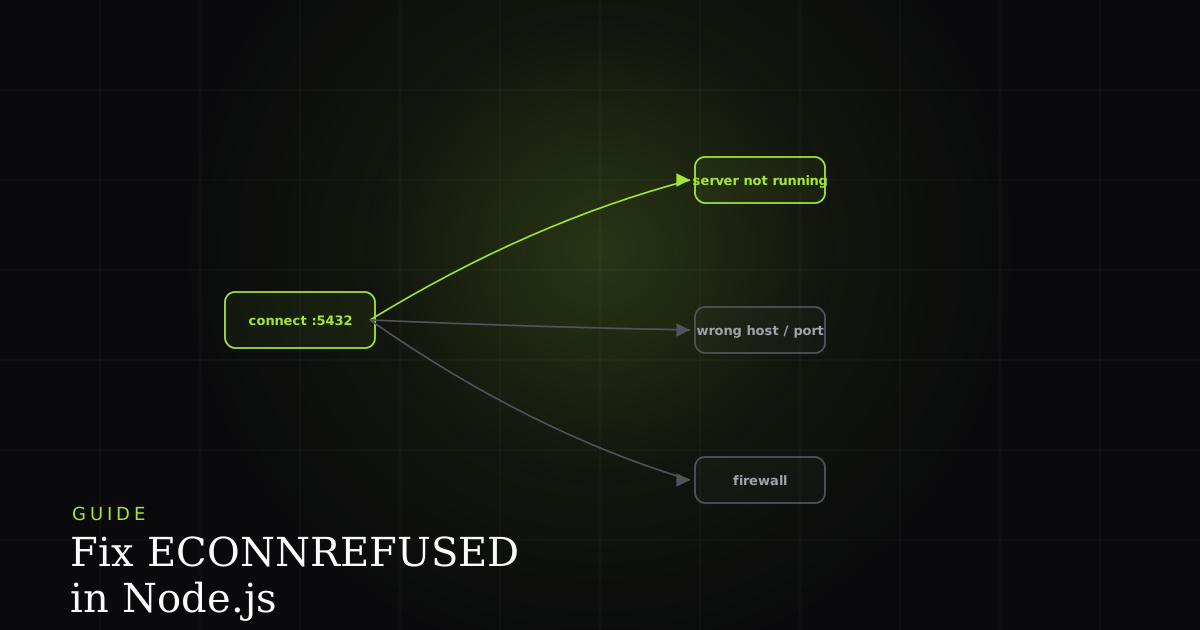
Error: connect ECONNREFUSED 127.0.0.1:5432 is one of the clearest error messages Node.js will ever give you (it even prints the exact host and port that failed), and yet it still stops people cold, because the message tells you what happened without telling you why. The good news is that a refused connection narrows the problem down a lot: the network path worked, the address was valid, and something on the other end said no. This guide walks through what the error actually means, how it differs from its two lookalikes, the six things that cause it, and exactly how to fix each one.
What ECONNREFUSED actually means
ECONNREFUSED means your client reached the target host and port, but the connection was actively refused: nothing is listening there, or the service rejected the TCP handshake. Unlike a timeout, the refusal comes back immediately, so you know the address is correct and reachable and the problem is the listener, not the network path.
At the operating-system level, when Node.js opens a TCP socket it sends a connection request to host:port. If a service is listening there, it accepts. If nothing is listening (or a firewall on the host itself sends back a reset), the kernel returns the ECONNREFUSED error, which Node surfaces on the socket's 'error' event. The presence of a host and a port in the message is the key clue: a port is just the number that identifies which listening service on a machine should receive the traffic, so a refusal on 127.0.0.1:5432 means "I found machine 127.0.0.1, asked for whoever owns port 5432, and got nobody".
ECONNREFUSED vs ETIMEDOUT vs ENOTFOUND
These three errors fail at three different stages of making a connection, and telling them apart instantly narrows down the cause:
ENOTFOUND: DNS resolution failed. The hostname never turned into an IP address, so no connection was even attempted. Usually a typo in the host, a missing/etc/hostsentry, or an unresolvable Docker service name.ETIMEDOUT: the host was found and a connection was attempted, but no answer ever came back. Packets are being silently dropped, typically by a firewall or security group, or the host is down entirely.ECONNREFUSED: the host answered immediately and said no. The IP is right, the machine is up and reachable, but no service is listening on that port. The most specific of the three, and usually the quickest to fix.
If you see ECONNREFUSED, you can stop suspecting DNS and firewalls-that-drop and focus on "is the thing I'm connecting to actually running, and am I pointed at the right port?"
The six causes (and their fixes)
In rough order of how often they show up:
1. The target service isn't running. This is by far the most common cause. The database, Redis, another internal API, or your own backend simply isn't up. Nothing is listening on the port, so every connection is refused. The fix is to start the service, but first, confirm that's really the problem.
# Is anything listening on the port at all? (macOS / Linux)
lsof -i :5432
# → empty output means nothing is listening — that's your refusal

# For containers, is the service actually up and its port mapped?
docker ps
# Look for a row with 0.0.0.0:5432->5432/tcp; if it's missing, the DB isn't running

# Prove connectivity without your app in the way:
nc -zv 127.0.0.1 5432
# → "succeeded" = something is listening; "Connection refused" = nothing is
2. Wrong host or port. The service is running, but you're knocking on the wrong door. The classic version is connecting to localhost when the service lives in a Docker container that must be reached by its Compose service name, or using 5432 when your database is actually mapped to 5433 on the host. Fix it by comparing your connection string against where the service really listens (the docker ps output above shows the real mapping).
3. The service is bound to the wrong interface. A process that binds to 127.0.0.1 only accepts connections from the same machine (or the same container). If your app is in a different container or on a different host, those connections are refused even though the service is "up". The fix is to bind the service to 0.0.0.0 so it accepts connections on all interfaces.
4. A firewall or security group is blocking the port. On cloud hosts especially, the service can be running and correctly bound, but a security group or local firewall closes the port to your source. This more often produces ETIMEDOUT, but a host-local firewall that actively rejects will produce ECONNREFUSED. Open the port for the right source range.
5. The service is still starting up. In docker-compose, your app container frequently boots faster than the database it depends on, so its first connection attempts hit a port that isn't listening yet. This is a race, not a misconfiguration, and the fix is to retry.
6. Wrong environment variable or connection string. A DATABASE_URL that still points at localhost in an environment where the database is remote, an unset variable that falls back to a default port, or a stale .env file all resolve to "connecting to a place with no listener". Log the exact host and port you're dialing before you connect, and the mismatch usually jumps out.
How to diagnose it step by step
Work outward from the listener to the network to your config:
- Confirm the service is up and listening with
lsof -i :PORT,docker ps, or a health check. - Confirm the host, port, and env your app is actually using. Log the resolved connection string; don't trust the code you think is running.
- Test raw connectivity with
nc -zv host portorcurlso you know whether the problem is the network or your application layer. - Check the bind address and Docker networking:
0.0.0.0vs127.0.0.1, and service names vslocalhost. - Add retry-on-boot if the target is a dependency that starts on its own schedule.
That last step deserves real code, because a startup race is the one cause you fix in your app rather than your infrastructure. A short retry-with-backoff wrapper turns a fatal boot-order crash into a few seconds of waiting:
// Retry a connection with exponential backoff so a slow-starting
// dependency (DB, Redis) doesn't crash the process on boot.
async function connectWithRetry(connect, { retries = 8, baseMs = 250 } = {}) {
  for (let attempt = 1; attempt <= retries; attempt++) {
    try {
      return await connect();
    } catch (err) {
      // Only retry the transient "nobody's listening yet" case
      if (err.code !== 'ECONNREFUSED' || attempt === retries) throw err;
      const wait = baseMs * 2 ** (attempt - 1); // 250, 500, 1000, ...
      console.warn(`ECONNREFUSED — retry ${attempt}/${retries} in ${wait}ms`);
      await new Promise((r) => setTimeout(r, wait));
    }
  }
}

// Usage: pass a function that opens the connection and resolves when ready.
const db = await connectWithRetry(() => pool.connect());
If the refusal is a Docker Compose boot-order race, the more declarative fix is to make your app wait for the dependency to report healthy before it starts. depends_on alone only waits for the container to start, not for the service inside to be ready, so pair it with a healthcheck and the service_healthy condition:
services:
  db:
    image: postgres:16
    healthcheck:
      # Postgres is "ready" only when this exits 0
      test: ["CMD-SHELL", "pg_isready -U postgres"]
      interval: 2s
      timeout: 3s
      retries: 10
  app:
    build: .
    depends_on:
      db:
        condition: service_healthy   # wait for the healthcheck, not just start
    environment:
      # Use the SERVICE NAME as the host, never localhost, inside Compose
DATABASE_URL: postgres://postgres@db:5432/appRelated failure modes
ECONNREFUSED often travels with its inverse and its browser-side cousin. If you're getting a refusal because you tried to start your own server but the port was already taken by a stale process, that first process failed with EADDRINUSE (port already in use). It's worth checking when a service "won't start" and then connections to it are refused. And when the refusal happens between a browser and your API rather than between two backend services, it surfaces in the browser as a network error, which is covered in how to fix "Failed to fetch". Same root idea (nothing accepted the connection), different layer.
The single hardest part of an ECONNREFUSED report is usually reconstructing the exact host:port and environment where the refusal happened, because "it works locally" almost always means your local process is dialing a different address than the one that failed in staging or in a container. Capturing that context at the moment of failure is what separates a five-minute fix from an afternoon of guessing.
Install the free BugMojo extension and capture the session (console, network, and environment) when a connection is refused, so you know instantly whether it's a wrong-config bug or a service that's simply down.
Install the free extensionFrequently asked questions
Frequently asked questions
Sources
- Errors (Node.js documentation): ECONNREFUSED and the common system errors reported by the net and dns modules, Node.js (2026)
- Net (Node.js documentation): TCP socket connection lifecycle, host/port options, and the 'error' event, Node.js (2026)
- connect(2), Linux man page: ECONNREFUSED is returned when no one is listening on the remote address, Linux man-pages (2026)
- Port (MDN Web Docs glossary): what a network port is and how it identifies a listening service on a host, MDN Web Docs (2026)
Get bug-tracking insights, weekly.
Engineering deep-dives, QA playbooks, and honest tool comparisons. No spam. Unsubscribe in one click.