

How to Fix "EADDRINUSE: Port Already in Use" in Node
You start your dev server and Node throws before it even boots: the port is already taken. Here is what's actually happening, the fastest way to free the port, and how to stop it from happening again.
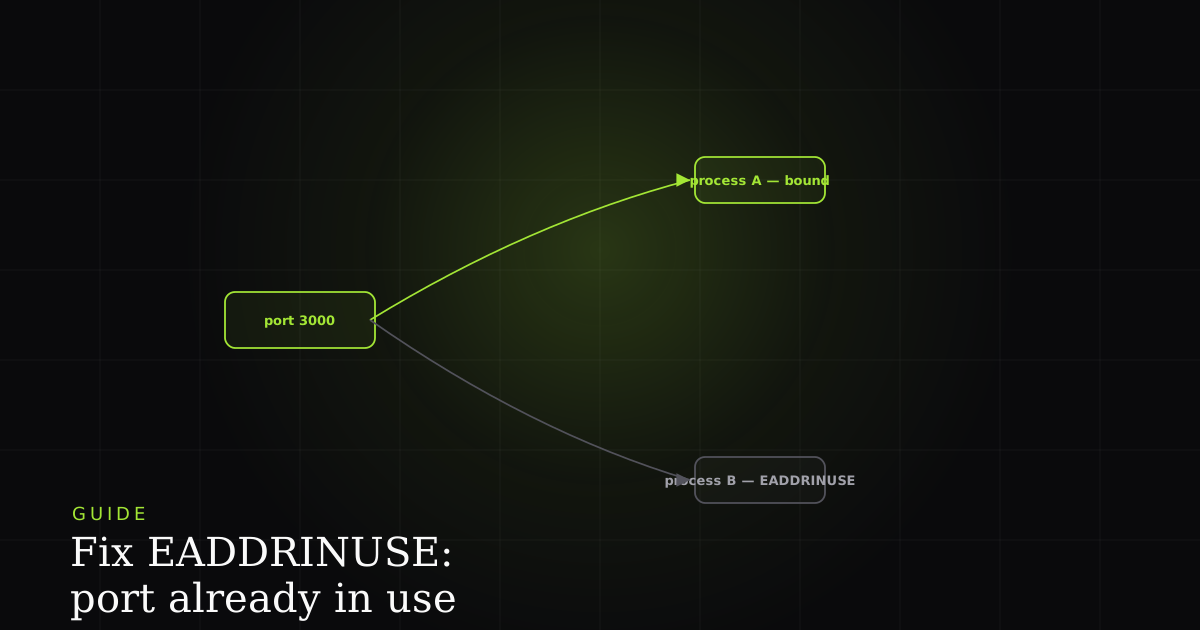
Error: listen EADDRINUSE: address already in use :::3000 is the message Node throws before your server even starts. Unlike most runtime errors, it has nothing to do with a bug in your request-handling code. The app never gets that far. Something else already owns the port, and the operating system won't hand it to a second process. This guide covers exactly why that happens, the fastest way to reclaim the port, and the small amount of code that keeps it from happening again.
What the error actually means
A port is a numbered endpoint that lets one machine run many networked services at once. Only one process can listen on a given TCP port at a time. EADDRINUSE ("address already in use") is the error Node throws when server.listen(3000) asks the operating system for a port that another process has already claimed. The bind is refused before a single request is served.
When your app calls server.listen(3000), it's asking the kernel for exclusive rights to receive traffic on port 3000. If another program holds those rights, the kernel returns EADDRINUSE and Node raises it as an error on the server object. The number in the message (:::3000) is the port; the triple colon is just IPv6 notation for "all interfaces." The fix is never to make Node try harder. It's to work out who else has the port, and either evict them or move your app somewhere else.
Why the port is already taken
In rough order of how often they bite, here's what leaves a port occupied:
- A previous dev-server instance that never shut down. By far the most common cause. You hit Ctrl-C in a terminal that wasn't quite listening, closed the tab instead of stopping the process, or a hot-reload spawned a child that outlived its parent. The old server is still bound to 3000 (a zombie process holding the socket) while your new one tries to take it.
- A crash that left the socket held. If the process died uncleanly (an unhandled exception, a
kill -9on the wrong thing, a container that was paused), the OS may still consider the port owned until that process is fully reaped. - Another app using the same port. Port 3000 is a popular default: another project's dev server, a Docker container, or a background service (Grafana, AirPlay on macOS) may already sit there.
- Running the same server twice. Two terminal tabs, or a script that starts the server and a process manager that also starts it, race for the same port and the second one loses.
- Lingering TIME_WAIT sockets. On rare occasions, a just-closed connection keeps the port in a
TIME_WAITstate for a short window, so an immediate restart briefly can't rebind.
Fix 1: Find and kill the process holding the port
This is the direct fix for the most common cause: a stale server. First identify which process owns the port, then stop it. The commands differ by platform.
# macOS / Linux — list what's bound to port 3000
lsof -i :3000
# COMMAND   PID  USER   FD   TYPE  ...  NAME
# node    54231  you   23u  IPv6  ...  *:3000 (LISTEN)

# ...then kill that PID
kill -9 54231

# Windows (PowerShell / cmd) — find the PID, then kill it
netstat -ano | findstr :3000
# TCP    0.0.0.0:3000   0.0.0.0:0   LISTENING   54231
taskkill /PID 54231 /F

# Cross-platform, no PID lookup needed:
npx kill-port 3000
npx kill-port 3000 is the fastest option when you don't care what is on the port, only that it should go away. It finds and terminates the owner for you on any OS. Reach for lsof/netstat first when you want to see what's there before killing it, which is worth doing if the same port keeps getting grabbed (it might be a service you'd rather leave running).
Fix 2: Change the port
If the process on the port is something you want to keep, move your app instead. Most frameworks read the port from the PORT environment variable, so you rarely need to touch code:
# Read PORT from the environment (works with most frameworks)
PORT=3001 npm run dev

# Framework-specific flags
next dev -p 3001        # Next.js
vite --port 3001        # Vite

# Or in code, pass a different number to listen()
# server.listen(process.env.PORT || 3001)Fix 3: Handle EADDRINUSE gracefully in code
A crash with a raw stack trace is a poor experience, especially for teammates who don't know the error. Node emits EADDRINUSE as an error event on the server, not as an exception you can wrap in try/catch, so you listen for it explicitly. Check err.code and respond: print a clear message, or retry on the next port.
import http from 'node:http';

const server = http.createServer((req, res) => res.end('ok'));

server.on('error', (err) => {
  if (err.code === 'EADDRINUSE') {
    console.error(`\u26A0 Port ${PORT} is already in use.`);
    console.error('  Free it with `npx kill-port ' + PORT + '` or set PORT to another value.');
    process.exit(1);
  } else {
    throw err; // don't swallow unrelated errors
  }
});

let PORT = Number(process.env.PORT) || 3000;
server.listen(PORT, () => console.log(`Listening on http://localhost:${PORT}`));
If you'd rather not fail at all in development, retry on the next free port instead of exiting. The pattern is the same listener, but it re-invokes listen() with an incremented number:
let PORT = Number(process.env.PORT) || 3000;

server.on('error', (err) => {
  if (err.code === 'EADDRINUSE') {
    console.warn(`Port ${PORT} in use, trying ${PORT + 1}\u2026`);
    PORT += 1;
    server.listen(PORT); // fires 'error' again if that one's taken too
  } else {
    throw err;
  }
});

server.listen(PORT, () => console.log(`Listening on http://localhost:${PORT}`));
Fix 4: Ensure a clean shutdown so it never recurs
The best fix is the one that prevents the zombie in the first place. Most stale-port problems come from a process that was told to stop but never released its socket. When your terminal sends SIGINT (Ctrl-C) or a process manager sends SIGTERM, handle the signal and call server.close() so the port is released cleanly before the process exits.
function shutdown(signal) {
  console.log(`\n${signal} received \u2014 closing server\u2026`);
  server.close((err) => {
    if (err) {
      console.error('Error during close', err);
      process.exit(1);
    }
    console.log('Port released. Bye.');
    process.exit(0);
  });

  // Failsafe: force-exit if connections don't drain in time
  setTimeout(() => process.exit(1), 10_000).unref();
}

process.on('SIGINT', () => shutdown('SIGINT'));   // Ctrl-C
process.on('SIGTERM', () => shutdown('SIGTERM')); // kill / orchestrators
server.close() stops accepting new connections and waits for in-flight ones to finish, then releases the port. The unref()'d timeout is a failsafe: if a long-lived connection refuses to drain, the process still exits rather than hanging (and leaving the very zombie you're trying to avoid). With this in place, a normal Ctrl-C frees port 3000 every time, and the next start binds without complaint.
When it only happens on one machine
EADDRINUSE is almost always a local, development-time error. It rarely survives into production, where a process manager or orchestrator owns port assignment. But it has a cousin that does bite teams: a startup error that reproduces on one person's setup and nowhere else, because of a background service, a leftover container, or a shell that keeps re-spawning the server. The general lesson is the one worth taking away from any "only on my machine" startup failure: what you need is the exact environment at the moment it broke (the running processes, the port map, the command that was actually executed), not a second-hand description of it.
That's the same principle BugMojo applies to browser-side bugs: when an error only reproduces in one setup, capturing the precise state (console, network, and the sequence that led there) turns "works on my machine" from a standoff into a diff you can read. For a server startup error the tools are humbler (lsof, ps, your shell history), but the instinct is identical: capture the environment, don't re-derive it.
EADDRINUSE is a local error you can kill from your terminal. For the ones that only reproduce for real users, install the free BugMojo extension and capture the exact session (replay, console, and network) instead of guessing.
Install the free extensionFrequently asked questions
Frequently asked questions
Sources
- Node.js errors: the full list of system error codes including EADDRINUSE (address already in use), Node.js (2026)
- Node.js net: server.listen() and the server 'error' event where EADDRINUSE surfaces, Node.js (2026)
- Node.js process: handling SIGINT and SIGTERM signals for graceful shutdown, Node.js (2026)
- Port (MDN glossary): a numbered endpoint that lets one machine run many networked services at once, MDN Web Docs (2026)
Get bug-tracking insights, weekly.
Engineering deep-dives, QA playbooks, and honest tool comparisons. No spam. Unsubscribe in one click.