

What Is User Acceptance Testing (UAT)?
User acceptance testing (UAT) is the final phase where the actual end users or the client verify the software meets their real-world needs before it goes live. It answers 'did we build the right thing?', not just 'did we build it right?'
Definition
User acceptance testing (UAT) is the final phase of testing, run by the actual end users or the client, that confirms the software meets their real-world needs and acceptance criteria before release. It validates fitness for purpose ('did we build the right thing?') rather than mere correctness against a spec.
Every other test in the pipeline asks whether the software behaves as specified. UAT asks a different, harder question: is this, the thing you actually built, the thing the business needed? ISTQB defines acceptance testing as testing done to determine whether to accept a system, judged against the needs of users, customers, and other stakeholders. The operative word is accept. UAT is not primarily a bug hunt; it is a decision point. At the end of it, someone who represents the business need looks at the software and says yes, this is fit to release, or no, it is not.
That framing is the whole reason UAT exists as a distinct phase. A team can build software that passes every unit test, clears QA, and matches the requirements document line for line, and still ship the wrong product, because the requirements missed a real-world workflow, or the users meant something different from what the spec captured. UAT is the last checkpoint where that gap gets caught before real customers hit it. It validates fitness for purpose, not conformance to a document.
UAT vs earlier QA and developer testing
Earlier testing verifies correctness. Unit, integration, and end-to-end tests (see our breakdown of unit vs integration vs e2e testing) all check the software against a specification: given this input, do we get the expected output, does this module talk to that one, does the critical path work top to bottom. QA engineers own this work, it happens throughout the development cycle, and it is heavily automated. It answers 'did we build it right?'
UAT answers a different question: 'did we build the right thing?' It is usually manual, scenario-based, and driven by real business workflows rather than test scripts. QA can be entirely green and UAT can still fail, because a spec can be implemented perfectly and still be the wrong spec. The two are complementary, not redundant: QA protects you from defects, UAT protects you from building the wrong product. Skipping either one leaves a hole the other cannot cover.
Who runs UAT, and when
UAT is deliberately run by people who are not on the development team: real business users, the client or customer who commissioned the software, product owners, and sometimes subject-matter experts or a dedicated beta group. The reason is coverage of intent. Developers test the paths they built and naturally think in terms of the system's design; business users exercise the system the way it will actually be used, tripping over the workflows and edge cases that no one wrote a ticket for. Engineers and QA still support UAT (preparing data, fixing issues, reproducing problems), but they do not own the accept-or-reject decision.
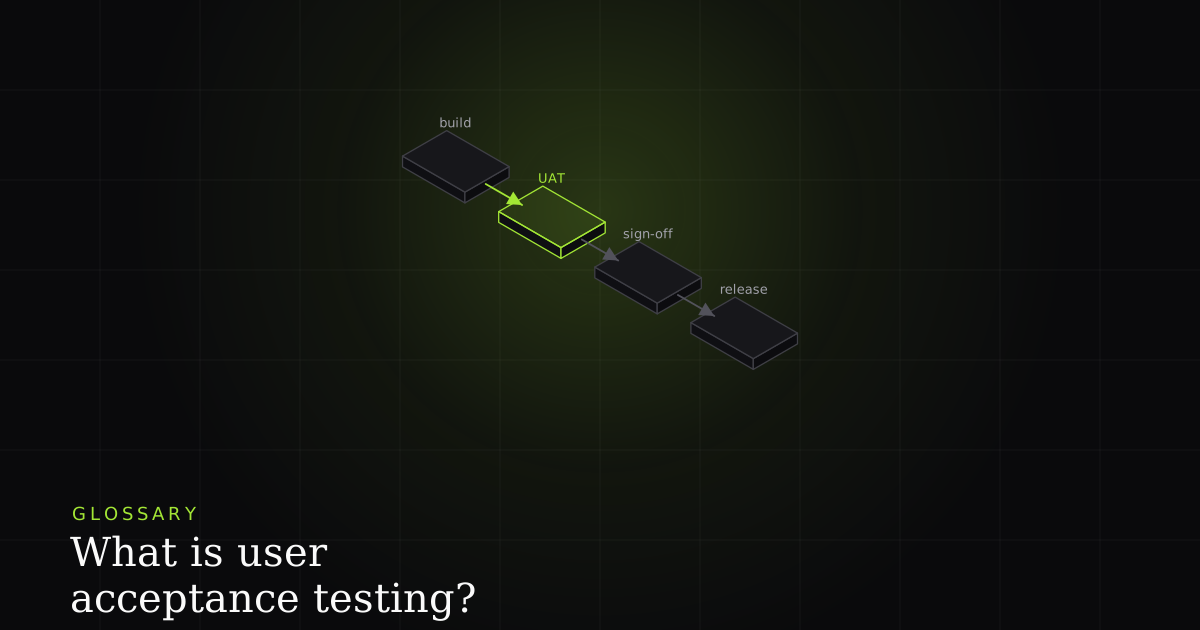
On the timeline, UAT sits near the very end: after system and QA testing have established that the software works, and immediately before release. It is one of the last gates on a release readiness checklist. Running it too early wastes users' time on a build still full of known defects; running it too late (or treating it as a rubber stamp) defeats the purpose of having a final human check before customers arrive.
Types of acceptance testing
UAT is an umbrella over several related forms, described in the acceptance testing literature. Alpha and beta testing are the most familiar: alpha runs internally with staff standing in for users, while beta puts a near-final build in front of real external users in their own environment. Business acceptance testing (BAT) checks that the system supports the actual business processes and delivers the intended value, not just the feature list. Contract and regulation acceptance testing verifies that the software satisfies the terms of a contract or the requirements of a law or standard, a category that formal frameworks such as ISO/IEC/IEEE 29119 help structure. Which types you run depends on who has to be satisfied before you can ship.
How to run UAT well
Good UAT is engineered before a single tester logs in. Start with clear, testable acceptance criteria up front, so 'accepted' has an objective definition rather than a gut feeling. Our guide to writing acceptance criteria that prevent bugs covers how to make them concrete. Then build realistic test scenarios and data that mirror how the software will actually be used, in a dedicated, stable environment that looks like production. Agree a sign-off process and exit criteria before testing begins so the phase does not drift indefinitely. And (the piece teams most often forget) give testers a reliable way to capture the issues they find, with enough context that a developer can reproduce them. These scenarios and criteria belong in a documented test plan, alongside the test cases testers will actually execute.
Best practices and common mistakes
The best practices follow directly from the definition. Treat UAT as a real decision gate, not a ceremony. If the outcome is a foregone 'ship it,' you are not really testing acceptance. Write acceptance criteria and exit criteria before testing, so passing is measurable. Recruit testers who represent the real user base, brief them on scenarios rather than clicking around, and keep the environment stable so their time is spent finding product problems, not fighting broken infrastructure.
The common mistakes are the mirror image. Treating UAT as a formality that rubber-stamps a decision already made. Starting with no clear exit criteria, so the phase drags on or ends arbitrarily. Expecting non-technical users to write clean, reproducible bug reports, then blaming them when the reports are vague. Reusing a stale or throwaway environment that produces failures no one can trust. Each of these quietly converts UAT from a safeguard into theatre, and the defects it was supposed to catch reach production anyway.
How BugMojo makes UAT feedback reproducible
This is exactly where BugMojo fits. Give your UAT testers one-click capture in the browser, and a vague 'this looks wrong' arrives as a reproducible bug report, because the extension attaches the state around the failure automatically: an rrweb session replay of exactly what the tester did, the console output, and the network requests behind the broken screen. The developer no longer has to interrogate a business user about what they clicked. They open the report and watch it happen, with the failing GET /api/report response sitting right there.
That single change removes the most expensive part of UAT: the round-trips. A non-technical tester keeps doing what they are good at (noticing when something is wrong) while the reproduction steps, the environment state, and the network context are captured for them. The bug stops bouncing, the developer fixes it on the first pass, and the release stays on schedule instead of slipping a week on a report nobody could reproduce.
Give your UAT testers one-click capture. BugMojo attaches an rrweb replay, console, and network to every report, so non-technical feedback arrives with everything a developer needs to reproduce and fix it on the first pass.
Install the extensionFrequently asked questions
Frequently asked questions
Sources
- Acceptance testing: testing to determine whether to accept a system (ISTQB Glossary), ISTQB (International Software Testing Qualifications Board) (2026)
- Acceptance testing: types, alpha/beta, and process overview, Wikipedia (2026)
- ISO/IEC/IEEE 29119: international software testing standard, Wikipedia (2026)
- Acceptance criteria: conditions software must satisfy to be accepted, Agile Alliance (2026)
Get bug-tracking insights, weekly.
Engineering deep-dives, QA playbooks, and honest tool comparisons. No spam. Unsubscribe in one click.