

Best Bug Tracking Tools in 2026 (Compared by Workflow)
There is no single "best" bug tracker. There is the right tool for the job you actually do. We compare eight tools across three workflows (capture, tracking, monitoring) on a single honest matrix, with real 2026 pricing.
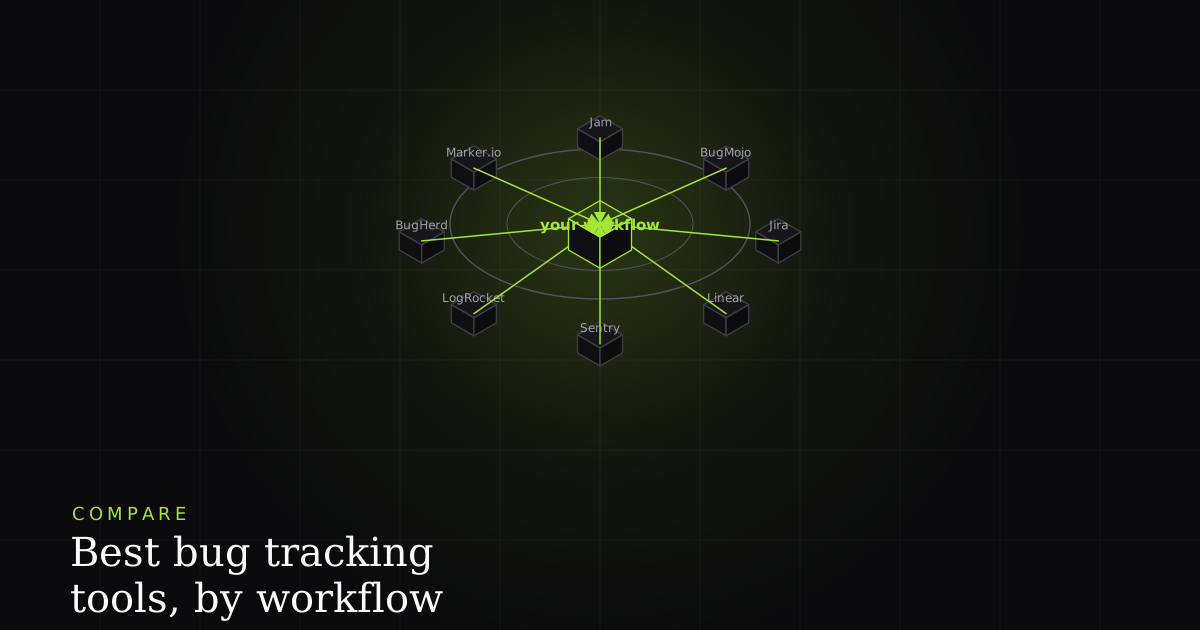
Search "best bug tracking tools" and every list ranks eight products on one scale, as if they were interchangeable. They are not. Jira and BugMojo and Sentry are no more comparable than a filing cabinet, a camera, and a smoke detector. They all touch "bugs," but they do fundamentally different jobs, and the fastest way to waste a budget is to buy the wrong category and then blame the tool.
So this comparison is organized by workflow, not by a made-up leaderboard. We put eight of the most-searched tools of 2026 (BugMojo, Jira, Linear, Sentry, LogRocket, BugHerd, Marker.io, and Jam) onto a single honest capability matrix, with real, sourced pricing. Where BugMojo loses, we say so plainly; the winning rows only mean something if the losing ones are honest too.
The three jobs hiding inside "bug tracking"
"Bug tracking" spans three jobs. Capture tools (BugMojo, Jam, Marker.io, BugHerd) record a reported bug with replay, console, and network. Tracking tools (Jira, Linear) store, assign, and move the ticket. Monitoring tools (Sentry, LogRocket) automatically detect runtime errors and sessions in production. Most teams need one from each column, not one tool for all three.
1. Capture: someone found a bug and needs to report it so it can actually be fixed. The job is to record what happened: a session replay, the console log, the network requests, the browser and OS, a screenshot. This is where most bug reports fail: a human types "checkout is broken" into a text box and an engineer spends an hour trying to reproduce it.
2. Track: a bug is now a unit of work that has to be prioritized, assigned, and moved from "open" to "done" alongside every other task. The job is workflow and visibility: boards, sprints, statuses, ownership. Trackers are databases of intent; they do not watch the browser.
3. Monitor: code is live and you want to know when it throws, how often, and since which release, without a human reporting anything. The job is automatic, sampled telemetry from a deployed SDK: exception grouping, alerting, performance traces, sampled session replay.
Hold those three jobs in mind and the matrix below stops looking like a ranking and starts looking like a map.
The one matrix: eight tools by capability
| Feature | BugMojo | Jira | Linear | Sentry | LogRocket | BugHerd | Marker.io | Jam |
|---|---|---|---|---|---|---|---|---|
| Primary job | Capture | Track | Track | Monitor | Monitor | Capture | Capture | Capture |
| One-click human capture (no SDK) | ✓ | No | No | No | No | ✓ | ✓ | ✓ |
| rrweb / DOM session replay per report | ✓ | No | No | partial | ✓ | No | No | partial |
| Console + network captured with the report | ✓ | No | No | ✓ | ✓ | partial | ✓ | ✓ |
| Official MCP server for AI agents | ✓ | ✓ | ✓ | ✓ | ✓ | No | No | No |
| Issue tracking, assignment & workflow | partial | ✓ | ✓ | partial | partial | ✓ | via sync | via sync |
| Production error monitoring & alerting | No | No | No | ✓ | ✓ | No | No | No |
| No-login / zero-setup quick capture | ✓ | No | No | No | No | No | No | partial |
| Permanent free tier (not just a trial) | ✓ | ✓ | ✓ | ✓ | ✓ | No | No | ✓ |
Capture: BugMojo, Jam, Marker.io, BugHerd
These four exist because a Jira ticket that says "it's broken" is where fixes go to die. They record the bug instead of describing it. They differ in who they are built for.
- BugMojo: built for QA-and-dev handoff and for AI agents. One click in the browser extension records an
rrwebDOM replay plus the console log, network waterfall, and a screenshot, with client-side PII redaction. Its wedge over the other three: an MCP server that hands the reproduction straight to Claude Code or Cursor, and a no-login Quick Capture that needs zero project setup. It is honestly weaker than BugHerd at agency-style visual annotation, and it is not an issue tracker. - Jam: built for speed and developer love. A free extension captures an instant repro with console and network and a shareable link; excellent for solo devs and small teams. It has no MCP server yet, and its free tier caps recording length.
- Marker.io: built for agencies reporting website bugs into Jira/ClickUp/etc. Strong annotation and two-way sync; console and network ride along. Pricing starts at $59/mo for 3 seats and jumps to $199/mo for the Jira tier, and it is trial-only, no permanent free plan.
- BugHerd: built for client website feedback. Pin comments directly on the page, with a built-in kanban board. Great for designers and agencies; lighter on developer-grade console/network depth, and trial-only from $50/mo.
Track: Jira and Linear
Trackers are the system of record. They do not capture anything from the browser. Pair them with a capture tool and each ticket arrives reproducible.
- Jira: the enterprise default, with deep custom workflows, 3,000+ marketplace apps, and granular admin. Free up to 10 users, then $7.91/user/mo (Standard). Atlassian's Rovo MCP server is GA, so agents can read and write Jira issues. The cost is complexity: Jira is heavy for a small team.
- Linear: the modern favorite. Fast, keyboard-driven, opinionated, with built-in Triage Intelligence that suggests assignees and labels. Free for 2 teams and 250 issues, then $10/user/mo. It also ships an official MCP server (mcp.linear.app).
Neither records a replay. That is not a knock. It is simply not their job. It is exactly the gap a capture tool fills.
Monitor: Sentry and LogRocket
Monitors watch production automatically via a deployed SDK. No human files anything; the tool samples reality.
- Sentry: the standard for exception monitoring. It aggregates uncaught errors into grouped issues, alerts on spikes, and adds tracing, profiling, and sampled session replay. Free for 5,000 errors/mo; Team from $26/mo. Its official MCP server exposes ~16 tools and can invoke the Seer debugging agent.
- LogRocket: session replay plus front-end performance and product analytics, rated 4.6/5 across ~2,300 G2 reviews. Free for 1,000 sessions/mo; Core from $69/mo. Its MCP server (mcp.logrocket.com) connects its Galileo AI to agents.
Both are indispensable for "something is throwing in production." Neither is designed for the deliberate, human-reported front-end bug: the layout break, the wrong copy, the confusing flow that never throws a clean exception.
Which should you pick?
Start from your bottleneck, not the leaderboard.
- "Our bug reports are useless / can't reproduce." That is a capture problem. Start with BugMojo (if you want AI-agent handoff and no-login capture), Jam (fastest for solo devs), Marker.io (agency → Jira), or BugHerd (client website feedback).
- "We can't see what's assigned to whom." That is a tracking problem. Linear for speed, Jira for depth and enterprise admin.
- "We find out about prod bugs from angry users." That is a monitoring problem. Sentry for exceptions, LogRocket for replay + performance.
In practice a healthy 2026 stack has one from each column: for example, BugMojo to capture and hand reproductions to an AI agent, Linear or Jira as the system of record, and Sentry watching production. Because BugMojo, Linear, Jira, and Sentry all expose an MCP server, the same coding agent can read across the whole stack.
Install the free BugMojo extension, record an rrweb replay plus console and network in one click, and hand the reproduction to Claude Code or Cursor over MCP. Then file it into Jira or Linear as usual.
Install the free extensionFrequently asked questions
Frequently asked questions
Sources
- Jira pricing: Free up to 10 users; Standard $7.91/user/mo; Premium $14.54/user/mo; Enterprise annual-only, Atlassian (2026)
- Linear pricing: Free ($0, 2 teams, 250 issues); Basic $10/user/mo; Business $16/user/mo; Enterprise custom, Linear (2026)
- Sentry pricing: Developer free plan (5,000 errors/mo, 50 replays/mo, 30-day retention, 1 seat); Team from $26/mo; Business $80/mo, Sentry (2026)
- LogRocket pricing: Free (1,000 sessions/mo, 3 seats, 1-month retention); Core from $69/mo; Professional from $295/mo, LogRocket (2026)
- BugHerd pricing: Standard $50/mo (5 members), Studio $80/mo (10), Premium $150/mo (25); additional members $8/user; 14-day trial, BugHerd (2026)
- Marker.io pricing: Basic from $59/mo (3 seats, no Jira), Team from $199/mo (15 seats, Jira sync); additional seats $9; 15-day trial, Marker.io (2026)
- Jam pricing: free browser extension for one-click bug reports; paid Team plan around $14/creator/mo billed yearly, Jam (2026)
- Atlassian Rovo MCP Server is now GA (mcp.atlassian.com; read/write Jira & Confluence for AI agents), Atlassian (2025)
- Linear official MCP server launch (mcp.linear.app; Claude, Cursor, Windsurf, Zed), Linear (2025-05-01)
- rrweb: open-source DOM session replay (initial snapshot + MutationObserver incremental delta events); embedded by Sentry, PostHog, rrweb / GitHub (2026)
Get bug-tracking insights, weekly.
Engineering deep-dives, QA playbooks, and honest tool comparisons. No spam. Unsubscribe in one click.