

A Playbook for Killing Cannot-Reproduce Bug Tickets
Cannot-reproduce tickets are an intake-quality problem, not a developer problem. Here is a four-step playbook that captures the session, logs the environment, standardizes the report, and measures the rate down.
 Manvi7 min read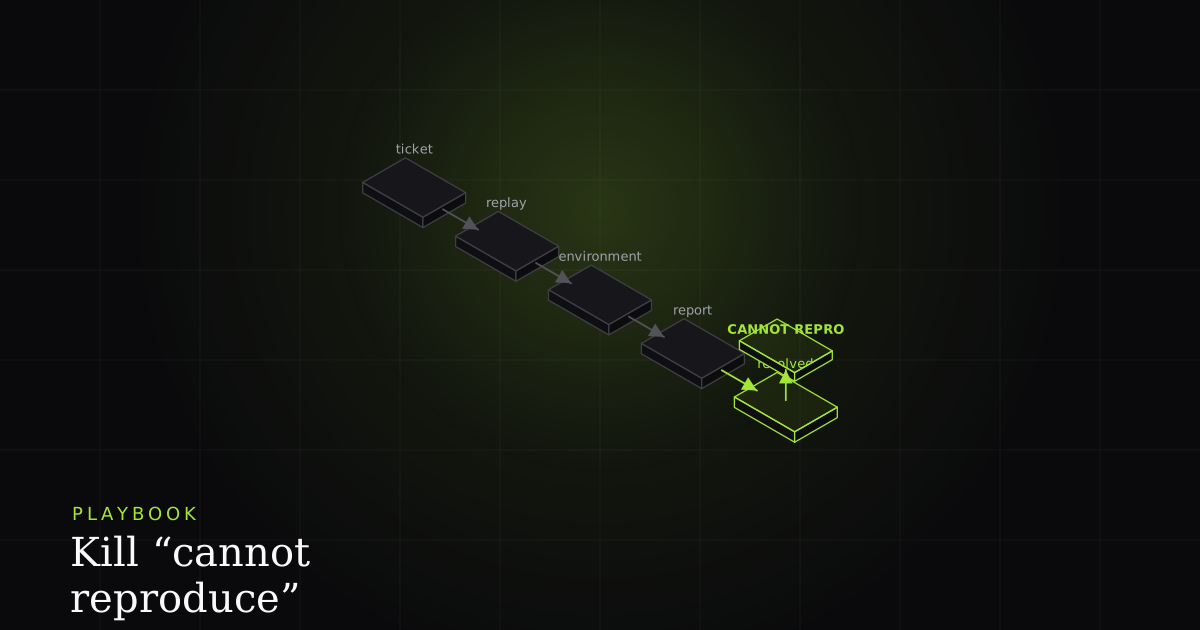
Every backlog has them: tickets closed with a shrug and the words cannot reproduce. The reporter swears it happened. The developer ran the steps and got nothing. Both are telling the truth, and that is the whole problem. A bug report written as prose records what the user did, but a failure depends on the state the user was in — the viewport, the account, the feature flag, the exact API response. When that state is missing, the same click sequence passes on the developer's machine and the ticket dies as noise.
This is not a motivation problem you fix with a sternly worded template. It is a structural mismatch in what reports carry versus what reproduction needs. Below is a playbook that treats the cannot-reproduce ticket as a measurable defect in your intake pipeline and drives its rate toward zero with four concrete moves.
How do you kill cannot-reproduce bug tickets?
Kill cannot-reproduce tickets by carrying state, not prose. Capture a session replay, auto-log the environment and viewport, standardize every report to a fixed shape, and measure the cannot-reproduce rate as a share of closed bugs. Each move attaches the precondition that written steps silently omit, turning reproduction from a guess into a deterministic read.
The evidence that this is structural rather than careless is decades old. Bettenburg and colleagues surveyed developers and reporters across Apache, Eclipse, and Mozilla and analyzed 466 responses. Their core finding: steps to reproduce, stack traces, and test cases are simultaneously the items developers rate most useful and the items reporters find hardest to provide. The most valuable signal is the scarcest signal. That gap is where cannot-reproduce tickets are born.
The cost is quantified too. The Works for me! empirical study of Firefox and Eclipse found that non-reproducible reports make up roughly 17% of all bug reports and stay active about three months longer than reproducible ones. They are not a rounding error. They are one ticket in six, sitting open far longer, consuming triage cycles that produce nothing.
The four-step playbook
Step 1 — Capture the session replay
The single highest-leverage move is to stop asking humans to transcribe what happened and record it instead. An rrweb-style recorder captures a full DOM snapshot plus every incremental mutation, mouse and scroll input, viewport and window resize, console output, and network activity — and reconstructs the session without a video file. That last detail matters: it is structured data, not pixels, so it is searchable, lightweight, and replayable at the DOM level.
This is the mechanism behind the claim that a replay carries the missing precondition. The viewport width that broke the layout lives in the resize events. The empty cart that produced a blank checkout page lives in the captured POST response. The console error that fired two seconds before the click is sitting on the timeline. The developer does not re-derive the triggering state from a paragraph — they read it back from the recording.
Step 2 — Auto-log environment and viewport
Replays carry interaction state; an explicit environment block carries the platform facts a triager would otherwise have to extract by hand. Stamp these onto every report automatically. The point of automating them is precisely that a human omits whatever feels obvious in the moment, and obvious is usually the precondition.
{
  "browser":        "Chrome 126.0.6478.127",
  "os":             "Windows 11 (10.0.26200)",
  "viewport":       { "width": 1280, "height": 720, "dpr": 2 },
  "url":            "https://app.example.com/checkout?cart=empty#step-2",
  "account":        { "id": "usr_4192", "role": "trial" },
  "featureFlags":   ["new_checkout_v3", "address_autofill_off"],
  "buildSha":       "a05c0a0",
  "capturedAt":     "2026-06-05T14:22:09Z"
}
Viewport dimensions belong in CSS pixels with device pixel ratio, because a layout bug that only appears at 1280×720 on a 2× display is invisible to a developer sitting at 1920×1080. The build SHA tells you whether the reporter even saw the code you are debugging. None of this is typed by a human.
Step 3 — Standardize the report to a fixed shape
Mozilla's Bug Writing Guidelines are blunt: steps to reproduce are the most important part of any bug report, and if the steps are unclear it might not even be possible to know whether the bug has been fixed. The guidelines stress minimizing steps and stating expected versus actual behavior. Standardization is how you enforce that without nagging.
Crucially, standardizing does not mean a longer form. The heavy artifacts — replay, console, network, environment — are captured automatically. The human writes only the irreducible narrative core. Copy this template into your issue tracker and let automation fill the bracketed slots:
## Summary
<one sentence: what broke, where>

## Expected vs Actual
- Expected: <what should have happened at the failing step>
- Actual:   <what happened instead>

## Steps (human-written, minimal)
1.
2.
3.

## Attached automatically — do not type by hand
- [ ] Session replay (rrweb)
- [ ] Console output
- [ ] Failing network request (method, URL, status, body)
- [ ] Environment block (browser, OS, viewport, flags, build SHA)
- [ ] PII redacted client-side before upload
Step 4 — Measure the cannot-reproduce rate
What you do not measure, you cannot drive down. Define the KPI precisely: the count of bugs closed as cannot reproduce, works for me, or needs more info, divided by all bugs closed in a fixed window. Track it per team and per report source. A triager closing a ticket as non-reproducible is signalling a defect in intake quality, so segmenting by source tells you which capture path is leaking state.
Baseline the rate before you change anything. Then watch it fall as Steps 1 through 3 land. The number is a direct proxy for wasted triage cycles, and because the Works for me! data shows these tickets stay open about three months longer, a falling rate also shortens your tail of stale bugs.
Map each root cause to the artifact that kills it
The data-fusion follow-up study (ICSME 2020) examined 576 non-reproducible reports from Firefox and Eclipse and identified 11 distinct factors that push a report to non-reproducibility, including missing information, environment differences, and ambiguous expected behavior. The reason a captured bundle works is that you can trace each cause to a specific artifact that eliminates it.
Missing information is killed by the console and network capture. Environment differences are killed by the environment block. Viewport-specific failures are killed by the recorded resize events. Ambiguous expected behavior is killed by the standardized expected-versus-actual field. The bundle is not one fix — it is four overlapping fixes aimed at the four most common causes.
Plain tracker vs. capture-first reporting
| Feature | Plain issue tracker | Capture-first (BugMojo) |
|---|---|---|
| Reproduction state (viewport, account, flags) | Typed by hand, usually omitted | Auto-captured environment block |
| Session replay (DOM-level) | Not available | rrweb snapshot + incremental events |
| Console + failing network request | Pasted manually, if at all | Attached automatically |
| MCP / AI-agent-readable bug context | Plain text the agent must interpret | Machine-readable bundle over MCP |
| Setup friction / install footprint | Already in your stack, nothing to add | Requires a browser extension |
| Works with no extension installed | Yes — pure web form | No — capture needs the extension |
The comparison is deliberately two-sided. A plain tracker wins on footprint: it is already in your stack and needs nothing installed, and it works for a reporter who will not add an extension. Capture-first reporting trades that friction for state. The row that decides it for AI workflows is the MCP one — an agent reading a structured bundle behaves differently from an agent parsing a paragraph.
Why the AI-agent row is the wedge
An AI coding agent hits the exact failure mode that traps human triagers: given only prose steps, it must guess the triggering conditions. Bundle the replay, the console, the failing request, and the environment, and reproduction becomes a deterministic read. BugMojo exposes that bundle to agents like Claude Code and Cursor over an MCP server, so an agent can pull the failing request and the viewport state alongside the steps, form a hypothesis, and write a failing test before it patches anything. A plain text field cannot offer that, because there is nothing structured to read.
For the structural detail on why written steps degrade, see the companion glossary entry on reproduction steps — it covers the same reporter/developer information mismatch from the artifact side rather than the measurement side.
Frequently asked questions
Frequently asked questions
Sources
- Bettenburg et al. — What Makes a Good Bug Report? (ACM SIGSOFT FSE 2008) — ACM SIGSOFT FSE-16 (author-hosted PDF) (2008)
- Works for me! cannot reproduce — a large-scale empirical study of non-reproducible bugs — Mozilla Foundation Research Library (2022)
- Why are Some Bugs Non-Reproducible? An Empirical Investigation using Data Fusion (ICSME 2020) — arXiv / IEEE ICSME (2021)
- Bug Writing Guidelines — Steps to reproduce are the most important part of any bug report — Mozilla / Bugzilla (2025)
- rrweb — record and replay the web (DOM snapshot + incremental mutations, input, viewport, console, network) — rrweb (open source) (2025)
Get bug-tracking insights, weekly.
Engineering deep-dives, QA playbooks, and honest tool comparisons. No spam — unsubscribe in one click.