

BugMojo vs Jira for Bug Reporting: An Honest Comparison
Jira runs your whole engineering org; BugMojo captures bugs the moment they happen. They solve different halves of the same problem. Here is exactly where each one wins, and how to run both together.
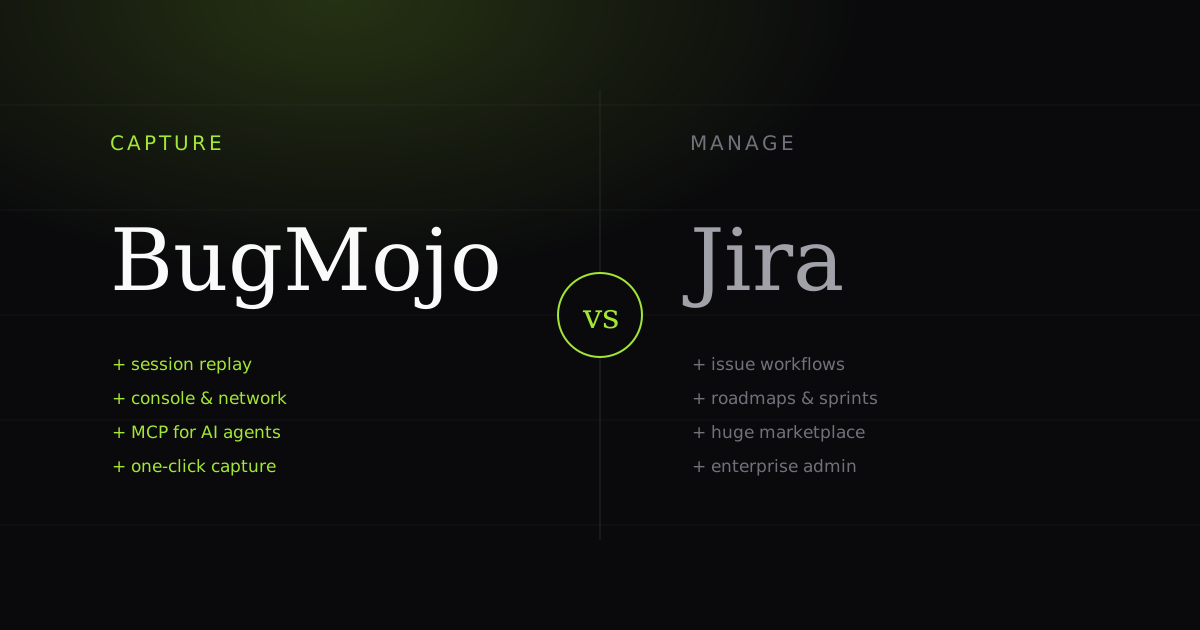
This isn't a 'Jira is bloated, switch to us' hit piece. Jira is a category-defining issue tracker, and for planning, agile delivery, and portfolio management it is genuinely hard to beat. But Jira was never designed to capture a bug. It assumes someone already arrives with a clean, reproducible report. That capture gap, the messy space between 'a user hit a bug' and 'an engineer has enough to fix it', is exactly where BugMojo lives. The honest answer to 'BugMojo vs Jira' is that they occupy different stages of the same pipeline: BugMojo owns the capture and repro step; Jira owns the tracking, prioritisation, and delivery of the work that follows.
At a glance
| Feature | BugMojo | Jira |
|---|---|---|
| Primary purpose | Capture reproducible bugs | Plan & manage all work |
| Primary user | Anyone who hits a bug | Eng, PMs, admins |
| One-click bug capture (extension) | ✓ | No |
| Session replay (rrweb DOM) | ✓ | No |
| Console + network capture | ✓ | No |
| Screenshots + steps auto-attached | ✓ | No |
| Client-side PII redaction | ✓ | n/a |
| AI agent handoff (MCP) | ✓ | No |
| Zero-setup Quick Capture link | ✓ | No |
| Issue workflows & automation | basic | ✓ |
| Agile boards, sprints, roadmaps | No | ✓ |
| Marketplace & integrations | growing | ✓ |
| Enterprise admin (SSO, audit) | Audit log; no SSO yet | ✓ |
| Setup effort | Install extension | Project + workflow config |
| Pricing model (2026) | Free extension | Free ≤10, then per-seat |
| Best-fit team | Anyone reporting bugs | Orgs managing delivery at scale |
What Jira is actually built for
Jira is a work-management system. Its core, per Atlassian's own feature pages, is agile delivery: scrum and kanban boards, backlogs, sprints, story points, and roadmaps/timelines that roll individual issues up into releases and portfolios. On top of that sits a deep configuration layer: custom issue types, custom workflows with bespoke statuses and transitions, permission schemes, automation rules, and JQL (Jira Query Language) for slicing the backlog any way you like. Add the reporting stack (burndown, velocity, and dashboards) and you have a tool that can model how an entire engineering organisation plans and ships.
That depth is real, and reviewers reward it. Independent user reviews on G2 and TrustRadius, where Jira has thousands of ratings, consistently praise its flexibility, customisable workflows, and its integrations with GitHub, Slack, and CI/CD tooling. If your problem is 'coordinate many teams shipping many things over many sprints', Jira is a defensible, often correct, answer.
What BugMojo is built for
BugMojo starts one step earlier, at the moment a bug happens in a real browser. It is a browser extension for Chrome, Edge and other Chromium browsers that captures a bug in a single click. Instead of asking a reporter to write out what went wrong, BugMojo records what actually happened: an rrweb DOM session recording of the interaction, the console logs, the failing network requests, a screenshot, and the environment (browser, OS, viewport). All of it is attached to one report automatically.
Two design choices matter here. First, client-side PII redaction: sensitive fields are masked in the browser before any data leaves the page, so you are not shipping user secrets to a server to scrub them later. Second, Quick Capture: a zero-setup mode that produces a shareable report with no project, no login, and no configuration, so a non-technical reporter, a customer, or a teammate on another team can file a genuinely useful bug in seconds. Where Jira assumes a configured project and a trained reporter, BugMojo assumes nothing.
Session replay: the biggest capability gap
The single largest difference between the two tools is session replay, and it is worth understanding the mechanism rather than treating it as a checkbox. BugMojo's replay is built on rrweb, which does not record video. Instead, rrweb-snapshot serialises the initial DOM into a structured, rebuildable representation, then records a stream of incremental changes (DOM mutations and user interactions) as discrete events. On playback, the replayer rebuilds that first snapshot and applies the event stream to reconstruct the exact session.
Because it stores structured diffs rather than pixels, the recording is far smaller than video and, crucially, inspectable: an engineer can scrub to the precise interaction, with the console error and the failing network call lined up on the same timeline. That is a categorically different artefact from a screenshot or a bug-report paragraph. Jira has no native equivalent. It depends on third-party marketplace add-ons for screen capture, and none reconstruct the DOM the way rrweb does. This is the 'works on my machine' problem, solved at the source.
The AI handoff: MCP
The second gap is newer and, for AI-native teams, decisive. BugMojo exposes each captured bug through an MCP server. The Model Context Protocol is the open standard Anthropic introduced in late 2024 (often described as 'a USB-C port for AI applications'), and it has since become the de-facto way to connect AI agents to tools and data, adopted across products like Claude, Cursor, and others. Because BugMojo speaks MCP, an agent can read the full captured context (the repro steps, the console stack trace, the failing request) and draft or attempt a fix directly, rather than working from a human's lossy summary.
Jira has AI features of its own, but exposing a reproducible bug artefact to a coding agent as first-class context is not one of them. BugMojo's polymorphic assignee model reflects this: a bug can be assigned to a human member or to an AI agent, so 'who's fixing this' is no longer a human-only question.
Where Jira wins
Be honest about the other column. This is where Jira is the better tool, full stop:
- Workflow depth. Custom statuses, automation rules, permission schemes, and cross-project portfolios that BugMojo intentionally keeps lightweight.
- Agile management. Sprints, story points, burndown, velocity, and roadmaps for planning work, not just tracking bugs.
- Ecosystem and scale. Thousands of marketplace apps and deep integration with the rest of the Atlassian suite, plus the query power (JQL) and reporting large orgs lean on.
- Enterprise admin. SSO, audit logs, data residency, and the governance controls big organisations require.
The flip side, which reviewers are equally clear about: that same power is Jira's most common complaint. G2 and TrustRadius reviewers repeatedly cite a steep learning curve, an interface that can feel heavy, and how easy it is to over-engineer Jira with too many required fields and rigid permissions, often needing a dedicated admin to keep it sane.
Where BugMojo wins
Everything BugMojo does well sits upstream of the ticket:
- It reproduces the bug for you. A captured rrweb session lets an engineer scrub the exact interaction, with the console error and failing network call on one timeline. No guessing, no back-and-forth.
- It carries the evidence. Console logs, network requests, browser/OS, screenshot, and steps-to-reproduce are attached automatically, redacted in the browser before they're sent.
- It speaks to AI agents. The MCP server exposes captured context so Claude, Cursor, or your own agent can read the repro and draft a fix, a capability no Jira plan offers.
- It needs zero setup. Quick Capture produces a shareable link with no login or project, so anyone (including non-technical reporters) can file a usable bug.
Use both: capture in BugMojo, file in Jira
The pragmatic setup for most teams is not either/or. Keep Jira as the system of record (your boards, sprints, and reporting stay exactly where they are) and put BugMojo in front of it as the capture layer. The flow looks like this:
- A tester, PM, or user hits a bug and clicks the BugMojo extension. Replay, console, network, screenshot, and environment are captured in one action.
- PII is redacted client-side; the report is created.
- BugMojo syncs the report into Jira via MCP or an integration, creating an issue that already contains the reproducible evidence, not a one-line complaint.
- Your engineers triage and ship inside Jira's workflow, exactly as they do today; an AI agent can optionally pick the issue up first via MCP and draft a fix.
The net effect: Jira tickets stop arriving as 'the checkout is broken' and start arriving as a scrubbable session with the failing request highlighted. Time-to-reproduce (usually the most expensive, most annoying part of a bug's life) collapses.
Pricing, honestly
As of 2026, per Atlassian's pricing page, Jira is free for up to 10 users (with scrum and kanban boards, agile reporting, and custom workflows), then lands around $8/user/month on Standard and roughly $14.50/user/month on Premium (annual billing). Atlassian uses continuous, tiered per-user pricing, so the effective rate steps down as seat counts cross higher thresholds. Verify exact figures on the linked page, since list prices change. BugMojo's value isn't a cheaper seat. It's that one captured replay can save an engineer an afternoon of guessing. Price the two on the capture time they remove, not the per-seat sticker.
Choose Jira if… / Choose BugMojo if…
Choose Jira if you need to plan and manage delivery across multiple teams; you rely on sprints, roadmaps, story points, and custom workflows; you want a mature marketplace and enterprise admin controls; or Jira is already your organisation's system of record and you have someone to administer it.
Choose BugMojo if your real pain is getting reproducible bug reports in the first place; you want one-click session replay plus console and network capture without add-ons; you want non-technical people to file usable bugs with zero setup; or you want captured bugs to flow to AI coding agents over MCP. And in most cases, choose both: BugMojo to capture, Jira to manage.
Caveats: when this isn't the right fit
To keep this fair, a few honest limits. BugMojo is a capture-first tool, not a project manager: it intentionally keeps issue workflows, boards, and roadmaps lightweight, so if you were hoping to replace Jira's planning stack, you'll be disappointed. That's Jira's job, and it does it well. rrweb captures the DOM, so it reconstructs web application UIs, not native desktop or fully canvas-rendered surfaces the same way. And if your team has no capture problem (reporters already file clean, reproducible tickets), then BugMojo's biggest advantage is solving a pain you don't have. Conversely, for a small team whose only need is capturing and triaging bugs, standing up and administering a full Jira instance can be more overhead than the job requires; that's the scenario reviewers describe when they call Jira 'easy to over-engineer'. Match the tool to the actual bottleneck, and where the bottleneck is capture, run BugMojo into Jira rather than choosing between them.
Install the free BugMojo extension, capture a replay + console + network trace in one click, and sync it straight to Jira.
Install the extensionFrequently asked questions
Frequently asked questions
Sources
- Jira pricing, Atlassian (2026)
- Jira features: boards, backlogs, roadmaps, Atlassian
- Jira reviews, pros and cons, G2
- Atlassian Jira reviews and ratings, TrustRadius
- Jira verified reviews, Capterra
- rrweb: open-source web session replay, rrweb
- rrweb source and architecture, rrweb-io on GitHub
- Introducing the Model Context Protocol, Anthropic (2024)
Get bug-tracking insights, weekly.
Engineering deep-dives, QA playbooks, and honest tool comparisons. No spam. Unsubscribe in one click.